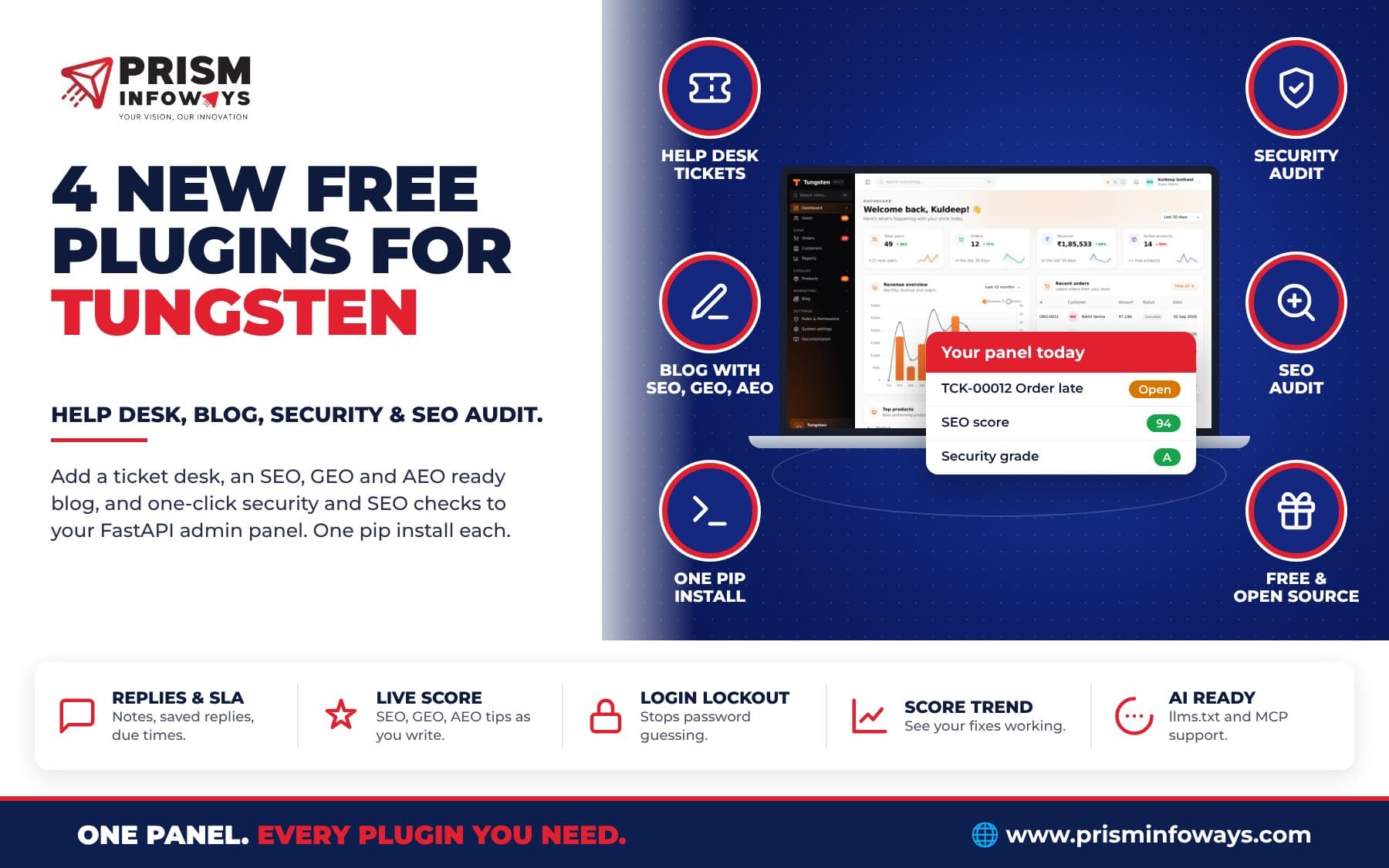
Tungsten, the free FastAPI admin panel, gets four new plugins: a help desk, a blog built for SEO, GEO and AEO, a security audit and an SEO audit.
In short: Tungsten, our free and open-source admin panel for FastAPI, now has four new plugins: a help desk (tungsten-tickets), a blog built for SEO, GEO and AEO (tungsten-blog), a security audit (tungsten-security-audit) and an SEO audit (tungsten-seo-audit). Each one is a single pip install and one line of code. All are free.
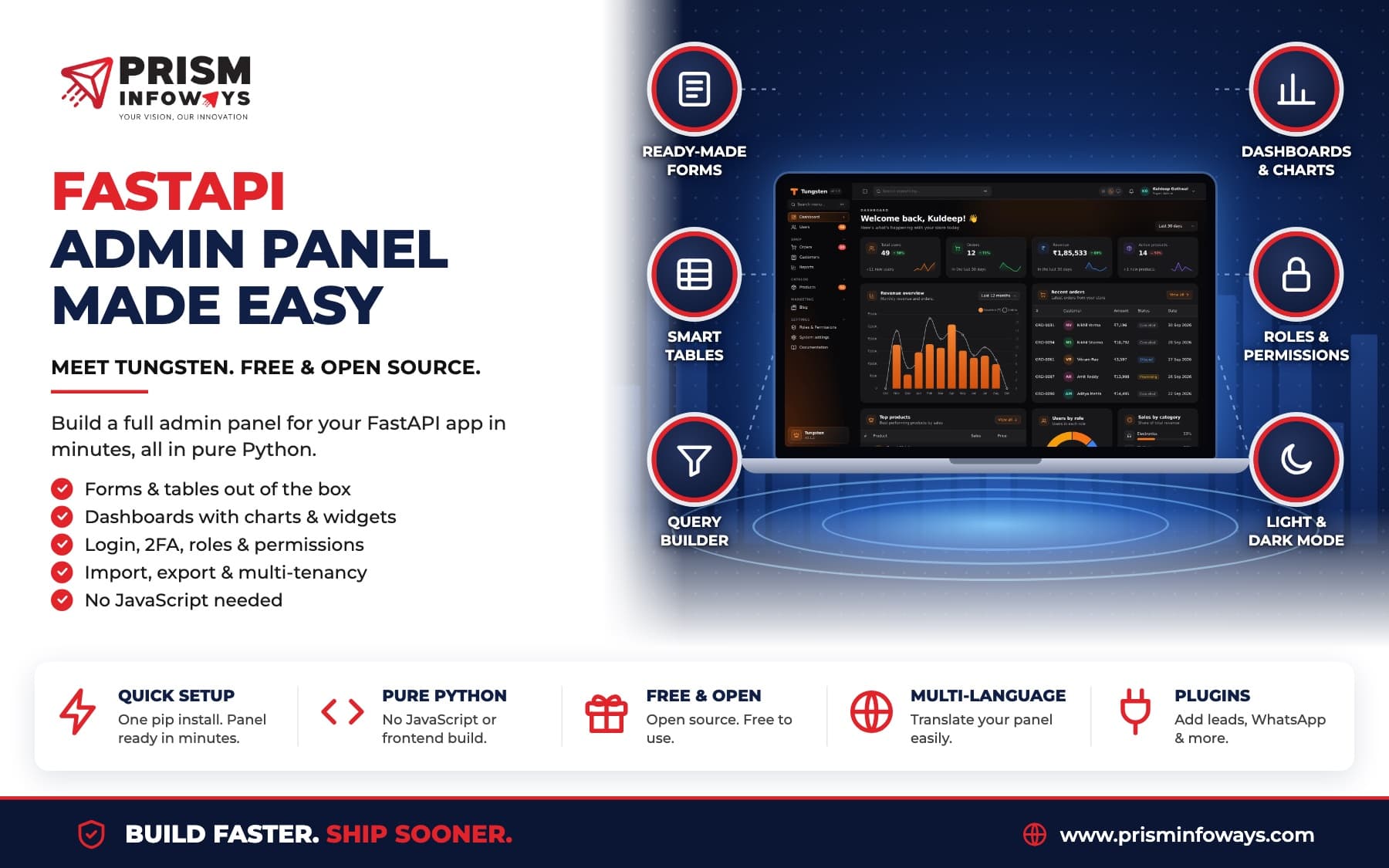
If you know Filament for Laravel, you know the idea: a small core, and plugins you add only when you need them. Here is what each new plugin does, and how to add it.
1. Help desk: answer customers from your panel
The tungsten-tickets plugin turns your panel into a ticketing desk. Customers raise tickets from a support page, by email parser or API, or your team adds them. Agents reply in the panel, and customers get the answer by email and on their own private ticket page.
- Tickets with numbers like TCK-00012, plus status, priority, category, agent and tags.
- Replies and internal notes. Customers never see the notes.
- Saved replies for answers you send again and again.
- SLA due times per priority. Late tickets turn red and show in an Overdue tab.
- Categories that route new tickets to the right agent.
- A support page for customers at
/admin/support, with no login needed. - An API (
POST /admin/api/tickets) so your website or app can open tickets.
pip install tungsten-ticketsfrom tungsten_tickets import TicketsPlugin
panel.plugin(TicketsPlugin())Full guide: Help desk docs.
2. Blog: rank on Google and get quoted by AI
The tungsten-blog plugin adds a blog to your panel and to your public site. It is built to be found three ways:
- SEO (search engines): title and meta description, canonical links, Open Graph cards, clean slugs, a sitemap and full schema.org data.
- GEO (AI search like ChatGPT, Perplexity and Google AI Overviews): a short summary at the top, key points, sources, a real author,
/llms.txt, and a Markdown copy of every post. - AEO (answer boxes and voice assistants): FAQs and how-to steps with FAQPage and HowTo schema, and speakable marks.
The best part is the live score. While you write, the editor shows an SEO, GEO and AEO score with a tip for every check that fails. Fix the tips and the score goes up.
On your site you get /blog, post pages, category, tag and author pages, an RSS feed, and /sitemap.xml, /robots.txt and /llms.txt at the root.
pip install tungsten-blogfrom tungsten_blog import BlogPlugin
panel.plugin(BlogPlugin(site_name="Acme", site_url="https://acme.com"))Full guide: Blog docs.
3. Security audit: find weak spots in one click
The tungsten-security-audit plugin gives your panel a health check. Press Run audit and you get a score out of 100, a grade from A to F, and a plain tip to fix each problem.
- Settings: secret key, debug mode, HTTPS cookies, two-factor login for admins, sign-up, CORS and more.
- Accounts: too many full admins, common passwords, old admin accounts.
- Website: HTTPS, HSTS, security headers, cookie flags, certificate expiry.
- Packages: your Python version and, if you allow it, known holes in your packages.
It also keeps a login log and locks out password guessing: after 5 wrong passwords for one email from one IP, that login waits 15 minutes. It only checks your own app and never scans other sites.
pip install tungsten-security-auditfrom tungsten_security_audit import SecurityAuditPlugin
panel.plugin(SecurityAuditPlugin())Full guide: Security audit docs.
4. SEO audit: check your whole website
The tungsten-seo-audit plugin opens your pages the way a search engine does and gives you a score from 0 to 100, plus a score for each area: Content, Technical, Links, Social, Speed and AI search.
- About 45 checks: titles, descriptions, headings, canonical links, broken links, redirects, sitemap, robots.txt, mixed content, speed and more.
- AI search checks: blocked AI crawlers, a missing
/llms.txt, and no FAQ data. - A fix tip for every issue, marked Error, Warning or Notice.
- History with a score trend, so you can see your fixes working.
It works well with the blog plugin: every blog post is added to each audit on its own.
pip install tungsten-seo-auditfrom tungsten_seo_audit import SeoAuditPlugin
panel.plugin(SeoAuditPlugin(site_url="https://www.example.com"))Full guide: SEO audit docs.
Also new in Tungsten 0.1.5
This release fixes a bug where adding a link in the rich text editor could break the editor. Update with pip install -U tungsten-admin. All four plugins need tungsten-admin 0.1.4 or newer.
How do the plugins work together?
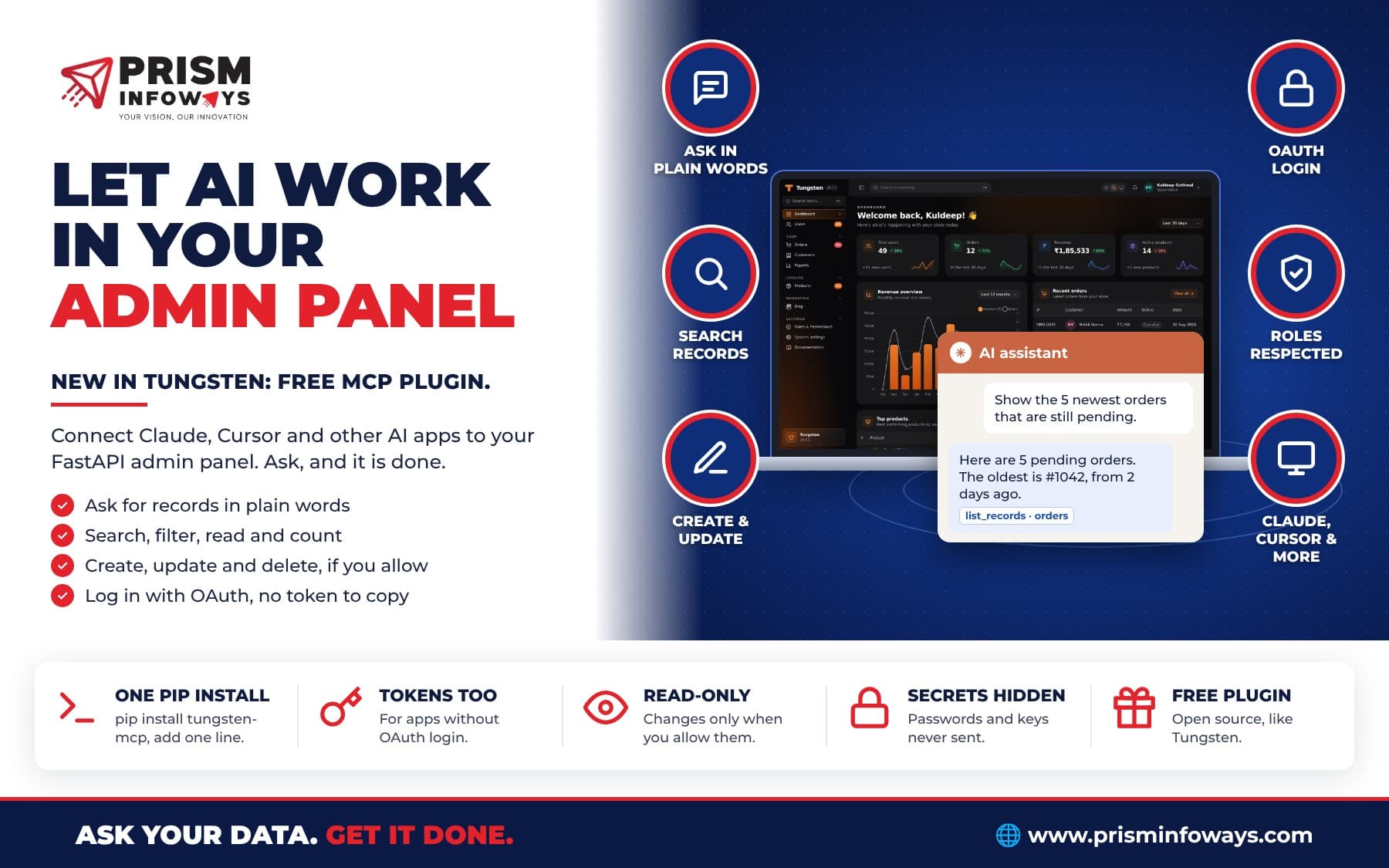
Tungsten plugins are made to fit together. The SEO audit checks your blog posts. The security audit checks your MCP plugin tokens. And with the MCP plugin, AI assistants like Claude can answer tickets or write blog drafts for you, with the same rules your team follows.
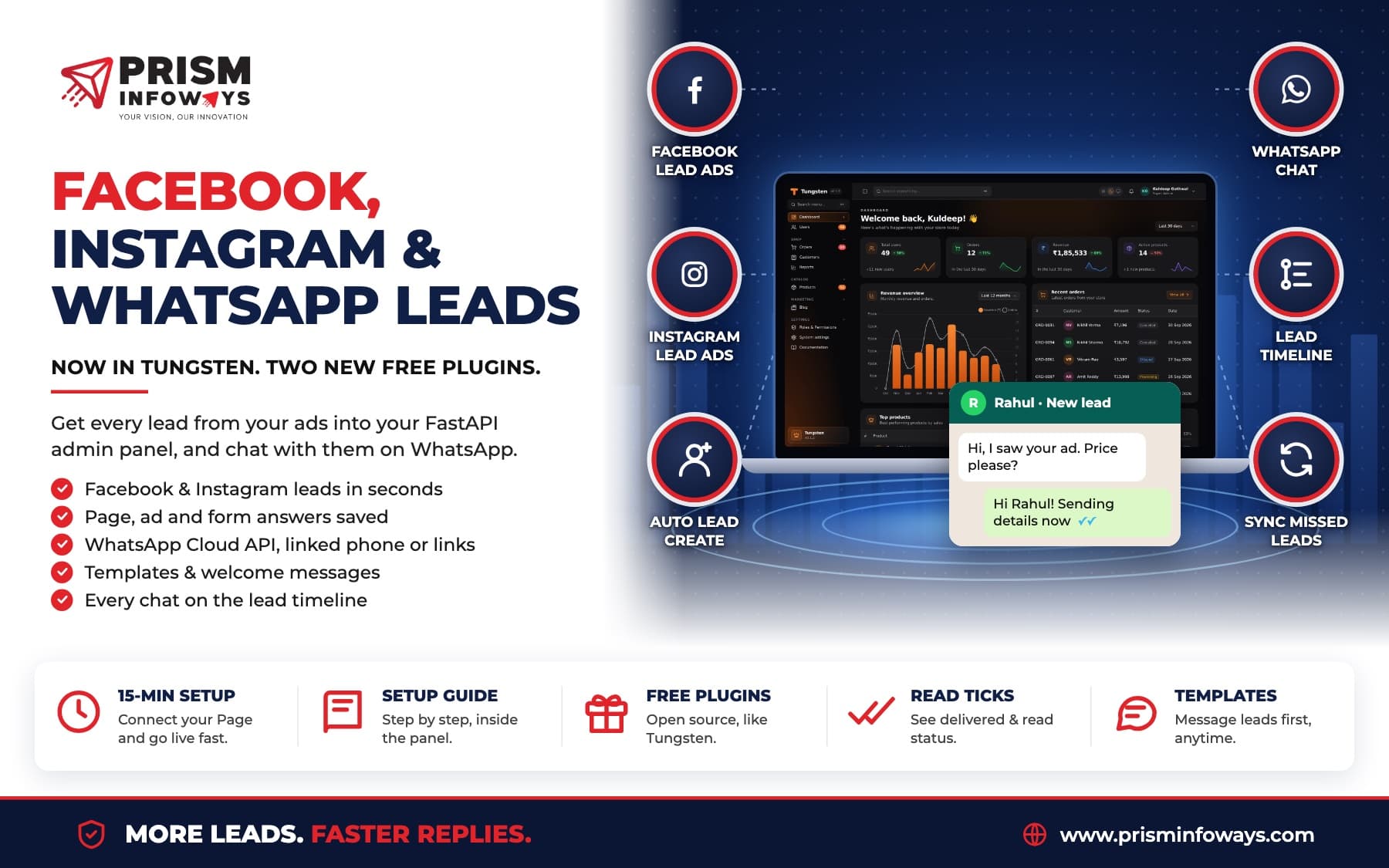
Together with the Leads, Facebook leads and WhatsApp plugins, Tungsten now has eight official plugins.
Get started
Tungsten and all its plugins are free and open source. Read the Tungsten docs, see the code on GitHub, or talk to us if you want help building your admin panel, help desk or blog.
Frequently Asked Questions
What are the new Tungsten plugins?
Are the Tungsten plugins free?
What is the difference between SEO, GEO and AEO?
Does the security audit scan other websites?
Which Tungsten version do the plugins need?
Need Expert IT Solutions?
Ready to transform your business? Team up with Prism Infoways and harness cutting-edge technology for your growth.
Contact Us