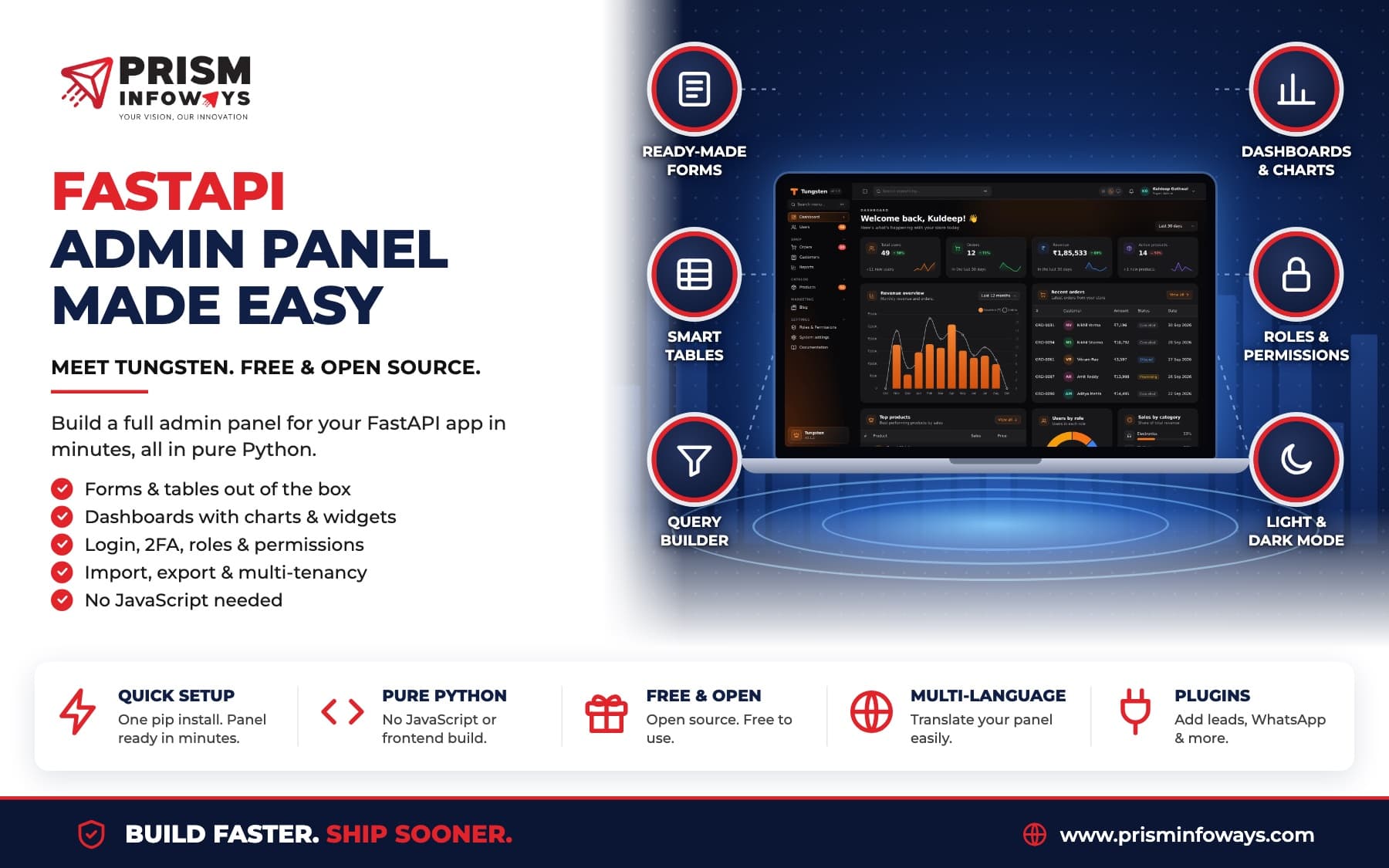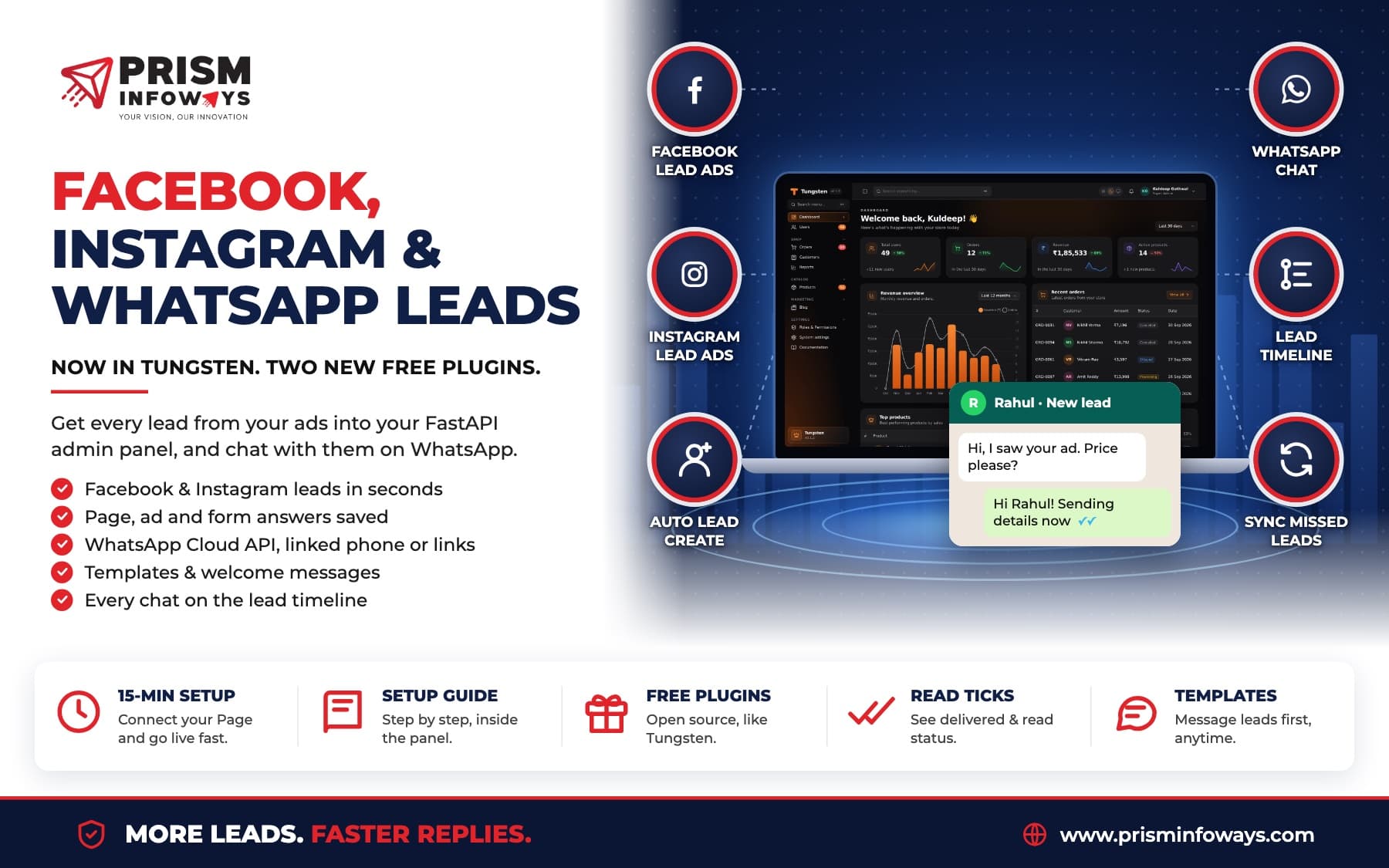
Two new free plugins for the Tungsten FastAPI admin panel: get Facebook and Instagram lead ads straight into your panel, and chat with leads on WhatsApp.
Last week we launched Tungsten, our free, open-source admin panel for FastAPI. Today we are adding two plugins that many of you asked for: one brings in leads from Facebook and Instagram lead ads, and one lets you talk to your leads on WhatsApp, right from the panel.
Both plugins work with tungsten-leads, so every lead, message and reply shows up in one place: the lead's timeline.
1. Facebook and Instagram leads
The tungsten-meta-leads plugin connects your Facebook Page to Tungsten. When someone fills in your lead form (Instant Form) on Facebook or Instagram, the lead lands in your panel within seconds. No CSV downloads, no copy and paste.
- Leads arrive by themselves, with every answer from the form.
- You see where each lead came from: the Page, the ad, and whether it was on Facebook or Instagram.
- Extra form questions become lead fields on their own, so nothing is lost.
- Missed leads can be fetched with one button: Sync forms and leads.
Setup takes about 15 minutes. You create a Meta app, paste its keys into the panel, press Connect Facebook and pick your Pages. The panel turns on lead alerts for each Page and sets up the webhook for you. Then you send a test lead with Meta's Lead Ads Testing Tool and watch it appear.
Full steps: Facebook & Instagram leads docs.
2. WhatsApp
The tungsten-whatsapp plugin lets you send and receive WhatsApp messages with your leads. Everything sent and received is saved on the lead's timeline and in a WhatsApp chats page. New chats can become leads by themselves, and new leads can get a welcome message.
You can pick one of three ways to send:
| Way | What you need | What you get |
|---|---|---|
| Links only | Nothing | A WhatsApp button on each lead that opens the chat, ready to send. |
| Cloud API (official) | A Meta app and a number that is not on the WhatsApp app | Send texts and approved templates from the panel, get replies and delivered and read ticks. |
| WhatsApp Web (linked phone) | A server with Docker for the free WAHA gateway | Send from your own WhatsApp number, linked by QR code, and get replies. |
With the Cloud API you can also sync your approved message templates. They then show in the WhatsApp button on each lead and in the welcome message settings, so you can message a lead first, not only reply.
Full steps: WhatsApp docs.
Setup guide inside the panel
You do not have to keep the docs open. Both plugins have a Setup guide button in the panel. It shows the same steps, with your own addresses already filled in and a copy button next to each one.
How to install
pip install tungsten-meta-leads tungsten-whatsappfrom tungsten_leads import LeadsPlugin
from tungsten_meta_leads import MetaLeadsPlugin
from tungsten_whatsapp import WhatsAppPlugin
panel = Panel(..., app_url="https://admin.example.com")
panel.plugin(LeadsPlugin())
panel.plugin(MetaLeadsPlugin())
panel.plugin(WhatsAppPlugin())
panel.create_tables(engine)Your panel needs a public https address with a real certificate (Let's Encrypt is fine), so Meta can send leads and replies to it.
Why this matters
Most small businesses run lead ads on Facebook and Instagram, then follow up on WhatsApp. Usually that means three apps and a lot of copy and paste. With Tungsten, the lead comes in, you message them, and their reply lands on the same timeline. Your team sees the whole story in one place.
Tungsten is free and open source. Read the Tungsten docs to get started, or talk to us if you want help setting up a lead panel for your business.
Frequently Asked Questions
Can Tungsten get leads from Facebook and Instagram lead ads?
Do I need the official WhatsApp API to use the Tungsten WhatsApp plugin?
How long does the Facebook leads setup take?
Are these plugins free?
Need Expert IT Solutions?
Ready to transform your business? Team up with Prism Infoways and harness cutting-edge technology for your growth.
Contact Us