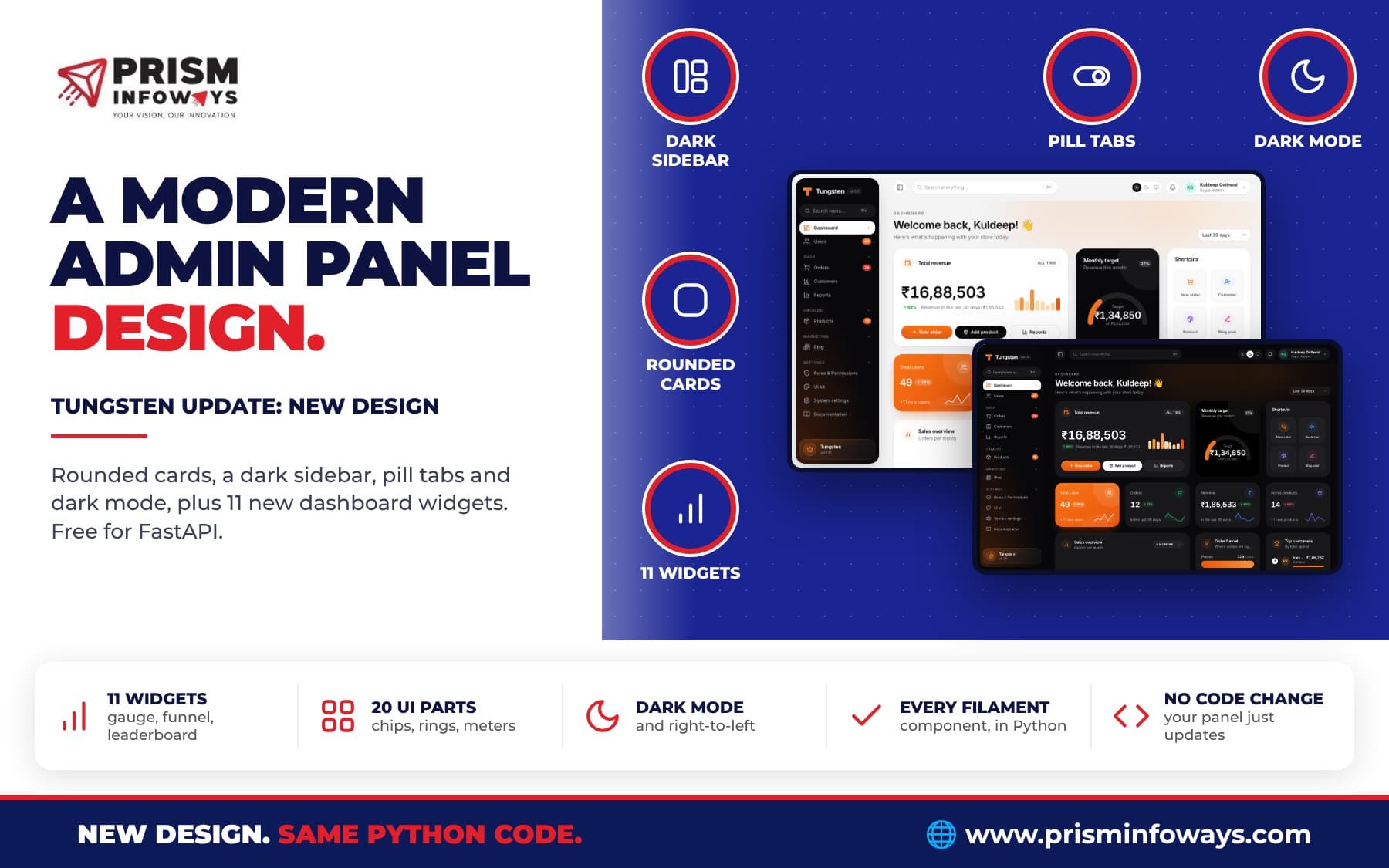
Tungsten, the free FastAPI admin panel, has a new modern design: rounded cards, a dark sidebar, pill tabs, dark mode, 11 new dashboard widgets, 20 UI components and every Filament component. No code changes needed.
In short: Tungsten, the free and open source admin panel for Python and FastAPI, has a brand new look. The whole panel now uses a modern dashboard design: a light gray page, white cards with big soft corners, a floating dark sidebar, pill-shaped tabs and buttons, and a full dark mode. It also adds 11 new dashboard widgets, 20 ready-made UI components for your own pages, a live "UI kit" page, and the last missing Filament components. Your code does not change. The new design comes in tungsten-admin 0.1.12.
New to Tungsten? It builds admin pages (forms, tables, dashboards, logins and roles) from plain Python classes. Start with our introduction to the Tungsten FastAPI admin panel, then come back here to see what changed.
What is new in the Tungsten design update?
We studied the dashboard designs people like most today and rebuilt Tungsten's look around them. The work landed in three pull requests on the Tungsten GitHub repo:
- A new look for every page of the panel, in light and dark mode.
- The same look inside every official plugin, from saved views to kanban boards.
- The last Filament components, so every component on Filament's list now has a Tungsten version.
We also gave the Tungsten website the same style, so the docs and the panel now look like one product. Every change is listed on the Tungsten changelog.
What does the new admin panel look like?
The new design is clean, light and easy on the eyes. Here is what you will notice first:
- Light gray page, white cards. Cards have big 28px rounded corners and a very soft shadow, so each block of data stands on its own.
- A floating dark sidebar. The menu sits in its own rounded dark panel with a gap around it. The page you are on is a white pill with a colored icon, so you always know where you are. Collapsing the sidebar still works.
- A calm top bar. Search is a white pill. The theme switch, the bell and your user menu are round white buttons.
- Pill shapes everywhere. Buttons, badges, chips and dropdowns are pill shaped. Inputs have rounder corners.
- Black pill tabs. Table tabs, the top menu (
Panel(top_navigation=True)) and record sub-menus are pill bars with a black active pill (white in dark mode). - Cleaner tables. Table headers are now small uppercase labels, so the data itself gets the attention.
- Bigger numbers. Stats cards show a bigger number and a round icon at the top right.
Your brand color still comes from Panel(colors=...). A blue, green or orange brand gets the same modern look in its own color. If you want to go further, the theming guide shows how to build your own Tailwind theme on top.
Does the new design support dark mode?
Yes. Dark mode flips every part of the design: the page, the cards, the sidebar, the tabs, the widgets and the plugin pages. Users pick light, dark or "same as my computer" from the switch in the top bar. Right-to-left languages such as Arabic and Urdu are supported too, so the sidebar and the pills move to the other side on their own.
Do I need to change my code?
No. The new design applies to every page with no settings to change. Your resources, forms, tables, widgets and custom pages keep working as they are, and they simply look new after you upgrade. That was a hard rule for this update: a design change should never break a working admin panel.
Which new dashboard widgets are there?
A modern dashboard needs more than line charts. Tungsten now has 11 new widgets that match the new look. You write a small Python class, return your data from one method, and add it with panel.widgets([...]), just like the basic widgets.
| Widget | What it shows |
|---|---|
HeroStatWidget | One big number with a trend, a line of text, buttons and small bars |
GaugeWidget | Progress to a target as a half circle or a ring |
ColumnsWidget | Rounded columns with the best one highlighted, with no chart library |
BannerWidget | A wide colored card with a heading and a button |
ActivityWidget | A timeline of recent events |
LeaderboardWidget | A ranked list with avatars, values and bars |
FunnelWidget | Stages with shrinking bars, like placed, paid and delivered |
ScheduleWidget | This week as a strip of days, then a list of events |
TeamWidget | People as avatars with their name and role |
QuickActionsWidget | A grid of round icon buttons for common tasks |
ChecklistWidget | A to-do list with ticks and a progress bar |
All list widgets share one simple Item class (label, value, avatar, icon, color, percent and so on), so once you learn one, you know them all. Here is a big number card for total revenue:
from sqlalchemy import func, select
from tungsten import HeroStatWidget, Item, Stat


class RevenueHero(HeroStatWidget):
    description = "All time"

    @classmethod
    def stat(cls, db):
        total = db.scalar(select(func.sum(Order.total)))
        return Stat("Total revenue", f"₹{total:,.0f}").icon("wallet").trend("12%", "up") \
            .describe("Revenue is up this month").chart([3, 5, 4, 8, 6, 9])

    @classmethod
    def actions(cls, ctx):
        return [
            Item("New order", url=ctx.url("orders", "create"), icon="plus", color="primary"),
            Item("Send invoice", url="/invoices", icon="send", color="dark"),
        ]
And a monthly target gauge takes only a few lines:
from tungsten import GaugeWidget


class MonthlyTarget(GaugeWidget):
    heading = "Monthly target"

    @classmethod
    def value(cls, db):
        return {"value": 134850, "max": 500000, "display": "₹1,34,850", "caption": "of ₹5,00,000"}
Normal stats cards got an upgrade too: Stat(...).highlight() fills a card with your brand color, and .highlight("dark") makes it near black, which is great for the one number you want everyone to see. Every widget is explained in the modern widgets docs.
Want users to arrange these widgets themselves? The free Custom Dashboards plugin lets them build drag-and-drop dashboards from the same widgets.
What are the 20 new UI components?
When you build your own pages, you want them to look like the rest of the panel without writing CSS. Tungsten now ships a UI kit of 20 Jinja macros:
- Navigation:
pill_tabs,segmentedandswitch. - Labels:
chip,trend_pill,dotandkbd. - Numbers and progress:
kpi,progress_ring,gauge,meterandcolumns. - Lists and people:
list_row,timeline_item,avatar_groupandweek_strip. - Layout and messages:
banner,alert,skeletonanddivider.
There are also ready CSS classes such as tw-card-dark, tw-card-brand, tw-glass, tw-well and tw-pill-nav. Using them looks like this:
{% import "tungsten/components/ui.html" as ui %}

<div class="tw-card p-6">
  {{ ui.pill_tabs([{'label': 'Overview', 'url': '#', 'active': true}, {'label': 'Activity', 'url': '#'}]) }}
  {{ ui.meter('Upsell revenue', 56, 'success') }}
</div>
See the full list with examples in the UI components docs.
Is there a page to see every component live?
Yes. Tungsten includes a gallery page that shows every component, in light and dark mode. Add it to your panel as a custom page in four lines:
class UiKit(Page):
    title = "UI kit"
    content_template = "tungsten/components/gallery.html"
The shop demo app has it under Settings → UI kit, and its dashboard uses every new widget, so it is the quickest way to see the design. See the demo app guide to run it on your computer.
Does every Tungsten plugin use the new design?
Yes. All the official plugins on the Tungsten plugins page were updated to match:
- Saved Views: view tabs are pill shaped.
- Calendar: month, week, day and list buttons are a pill switch.
- Kanban: lanes and cards are rounded like the rest of the panel.
- Custom Dashboards: the toolbar follows the new style.
- Toggle buttons, relation manager tabs, wizard steps, ticket replies and file upload fields all got the same pill and rounded shapes.
So a panel with ten plugins still looks like one clean product, not a patchwork.
Is every Filament component now in Tungsten?
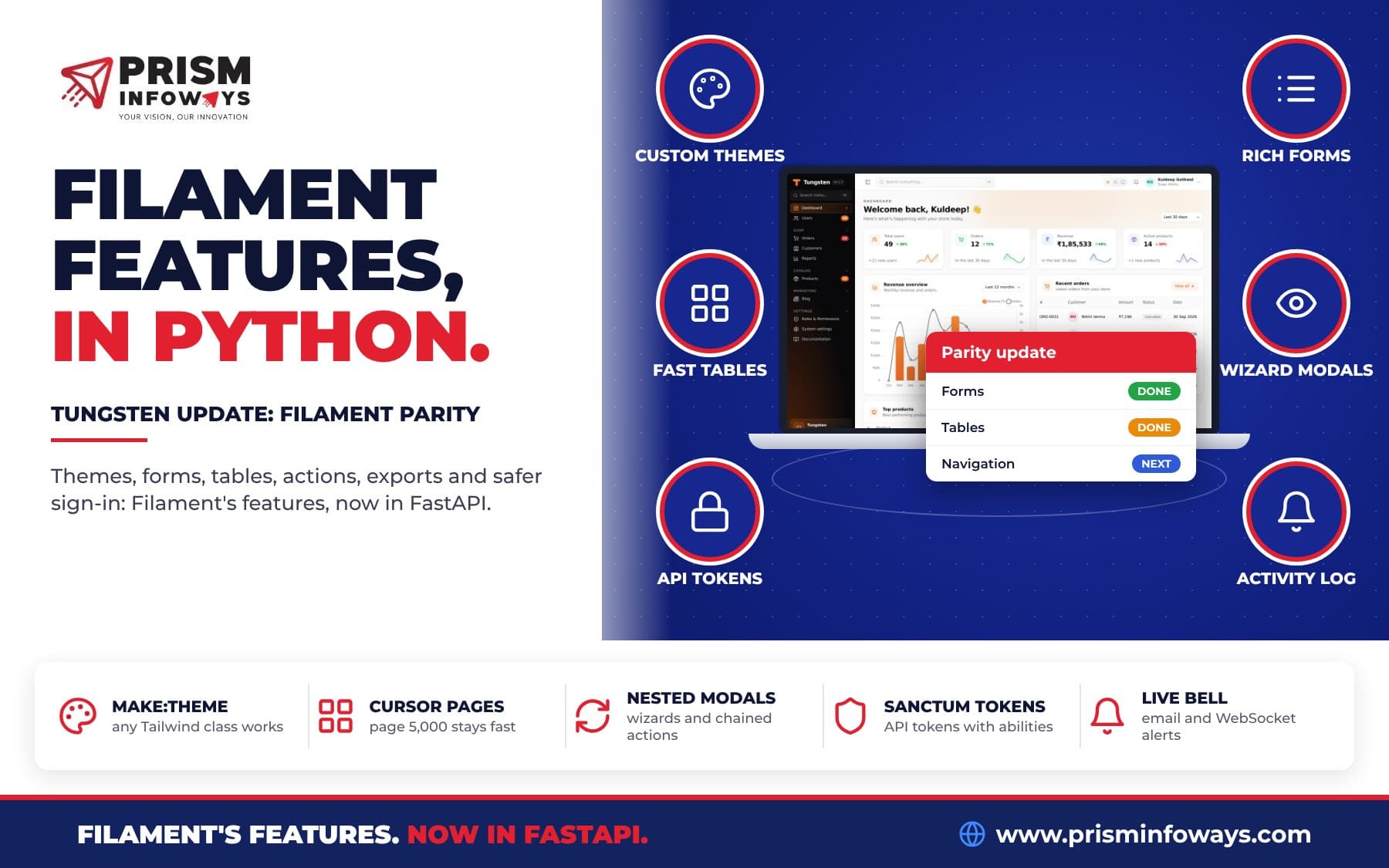
Yes. Our earlier Filament parity update brought most of Laravel Filament's features to Python. This update adds the last components on Filament's list:
- Forms:
MarkdownEditor(toolbar, shortcuts and a live preview),CodeEditor(line numbers, Tab indenting and a JSON mode) andMorphToSelect(pick a type, then a record, for polymorphic relations). - Layouts and blocks:
FusedGroup(several fields joined in one control),Icon,ImageandUnorderedList. - Tables:
Split,Stack,PanelandGridlayouts that show each row as a card, which is great on phones.
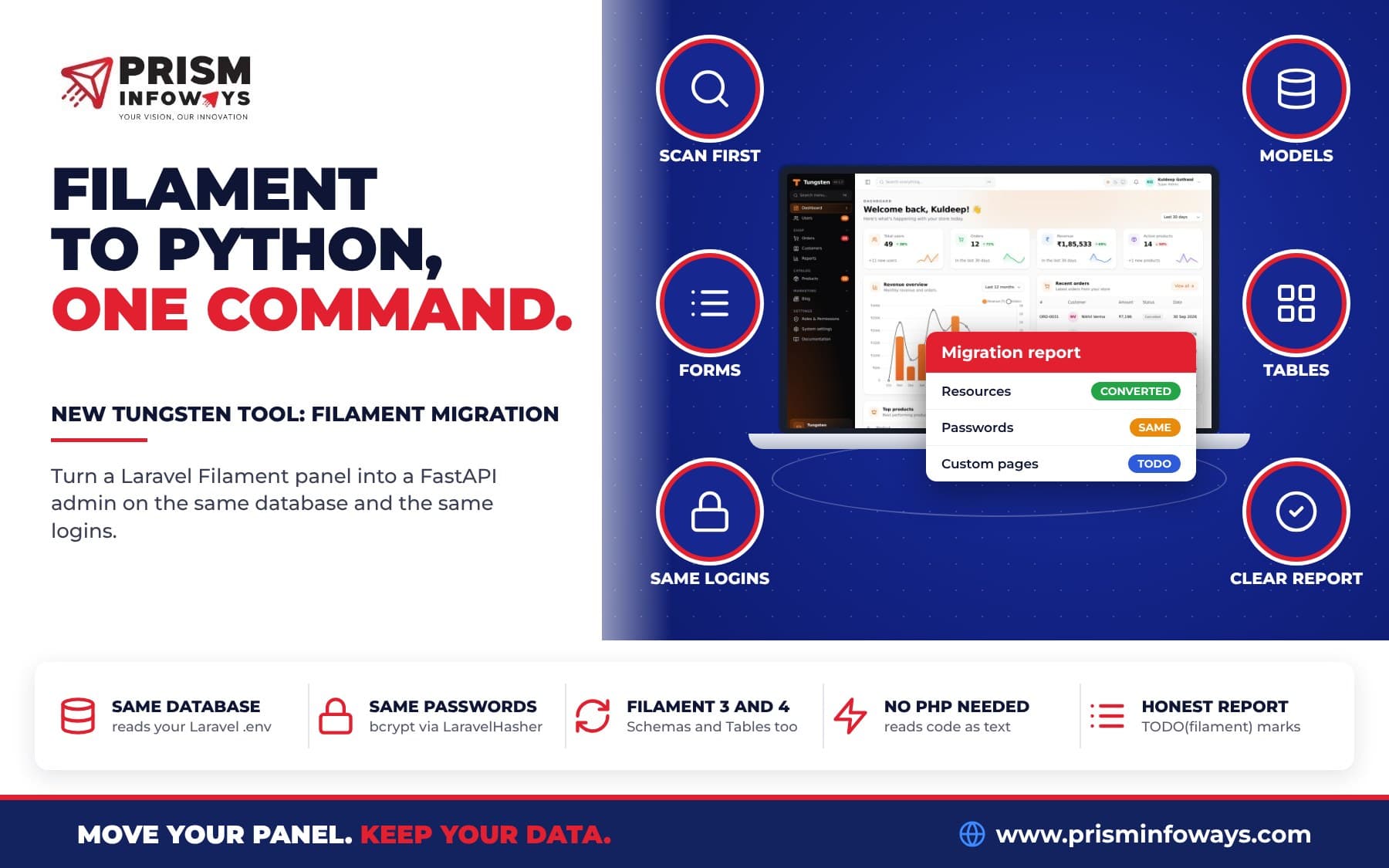
The only Filament piece without a match is Livewire, because it is PHP only. Tungsten uses HTMX for the same live behaviour. Read more in the form fields, form layouts and table columns docs. If you are moving an existing Laravel project, our guide to migrating Laravel Filament to Python and FastAPI shows a tool that converts your Filament code for you.
How do I get the new design?
The new design and everything in this post comes in tungsten-admin 0.1.12, the next release. Once it is out on PyPI, upgrading is one line:
pip install -U tungsten-adminUntil then, you can try it today straight from GitHub:
pip install -U "git+https://github.com/Prism-Infoways/Tungsten"There are no database changes in the design update. The installation guide covers a fresh project, and the changelog will show the release date.
Who is this update for?
- Startups and SaaS teams who want their internal tools to look as good as their product, without hiring a designer.
- Agencies who build admin panels for clients and want a modern look out of the box, in the client's brand color.
- Small businesses in India and worldwide, like a shop tracking orders and revenue in rupees, a clinic with a daily schedule, or a school with a team page and a to-do checklist.
- Laravel Filament users moving to Python who want the same polish they are used to.
What should I read next?
- FastAPI admin panel made easy: meet Tungsten
- Tungsten Filament parity update
- Install your admin panel as an app with the PWA plugin
- Let AI work in your admin panel with the MCP plugin
- All free Tungsten plugins
Frequently asked questions
Is the new Tungsten design free?
Yes. Tungsten is free and open source under the MIT license. The new design, widgets and UI components are part of the core package, tungsten-admin.
Will my custom pages and widgets break?
No. The design changes the look, not the code. Your resources, widgets and custom pages keep working. To make custom pages match fully, use the new UI kit macros.
Can I keep my own brand color?
Yes. Set it with Panel(colors=...). The new design uses your color for active pills, highlighted cards and buttons.
Does it work on phones?
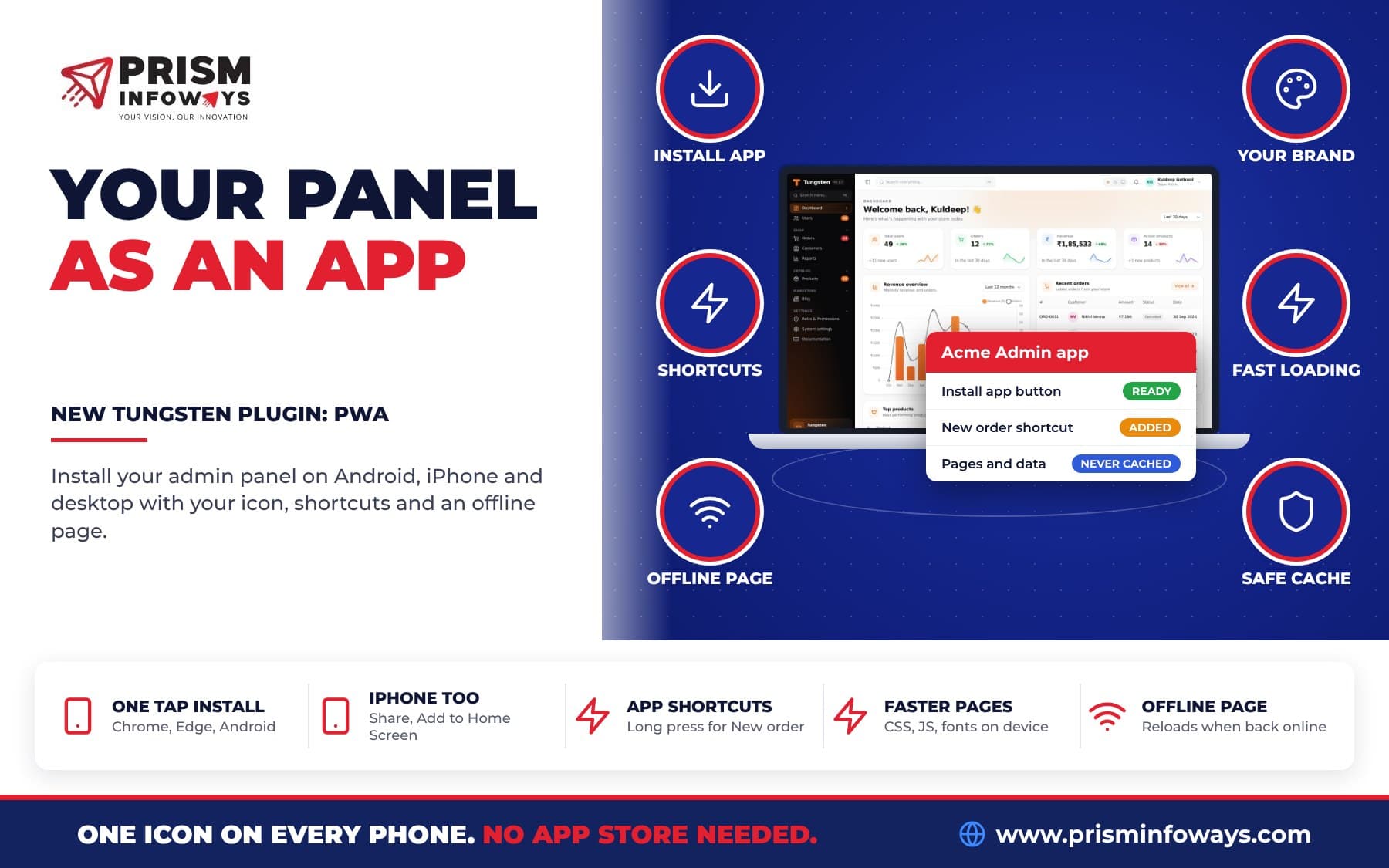
Yes. The panel is responsive, and the new table layouts (Split, Stack, Panel and Grid) show rows as cards on small screens. With the PWA plugin you can even install the panel as an app.
When is tungsten-admin 0.1.12 released?
Soon. Watch the Tungsten changelog or the PyPI page. Until then you can install it from GitHub.
Need a custom admin panel, dashboard or business software built on Tungsten? Talk to Prism Infoways. We build fast, modern admin panels for startups and businesses in India and worldwide.
Need Expert IT Solutions?
Ready to transform your business? Team up with Prism Infoways and harness cutting-edge technology for your growth.
Contact Us