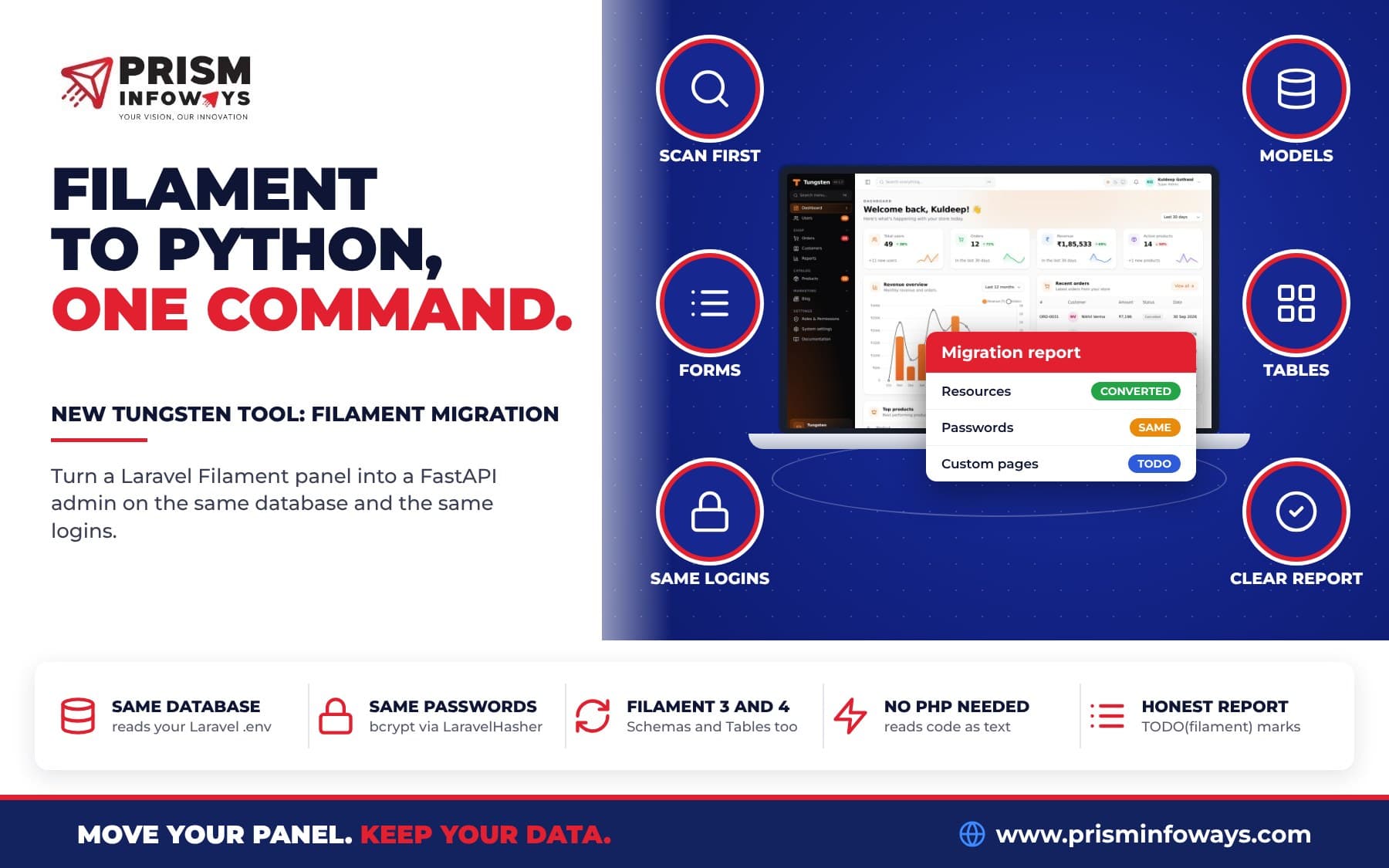
tungsten-filament reads your Laravel Filament project and writes a Tungsten admin for FastAPI: models, resources, forms, tables, filters, actions and relation managers. It runs on the same database, and people sign in with the same passwords.
In short: tungsten-filament is a free command-line tool that helps you migrate a Laravel Filament admin panel to Python and FastAPI. You point it at your Laravel project, and it writes a working Tungsten admin: models, resources, forms, tables, filters, actions, infolists and relation managers. The new admin runs on the same database, and people sign in with the same email and password.
Tungsten is our open source admin panel for FastAPI. It copies Filament's way of building panels, so TextInput::make('name')->required() in PHP becomes TextInput("name").required() in Python. New to Tungsten? Start with our introduction to the Tungsten FastAPI admin panel. This post is for Laravel teams thinking about moving to Python.
What is tungsten-filament?
tungsten-filament is a converter. It reads the PHP files of your Laravel app as plain text. It does not run PHP, and you do not even need PHP installed. It only needs Python 3.10 or newer.
From your PHP code, it writes a new Python folder with a ready Tungsten admin. Nothing in your Laravel app or its data is changed. Your Laravel app keeps working the whole time.
- Check before you convert:
tungsten-filament scancounts your models and resources and lists every part that needs a human. It writes nothing. - Models from your migrations: tables, types, defaults, foreign keys, relations and PHP enums. Or read them straight from the live database.
- Resources, forms and tables: fields, layouts, columns, filters, actions, infolists and relation managers, for Filament 3 and Filament 4.
- Same database, same logins: it reads your Laravel
.envand checks Laravel bcrypt passwords.
Who is this for?
- A PHP agency moving to Python: new work is in FastAPI, old client panels are in Filament. Convert them and keep one stack.
- A SaaS team adding AI: your AI code is in Python, so the admin can call it directly.
- A shop or online store: products, orders and customers live in a Laravel database. The new admin reads the same tables, so staff can switch when they are ready.
- A school or clinic with one developer: one language to look after, not two.
How do I migrate a Laravel Filament admin to Python and FastAPI?
The commands below come from the Filament migration guide.
- Install the tool. It installs
tungsten-admintoo.pip install tungsten-filamentVersion 0.1.0 is on PyPI. The source is on GitHub, in the
plugins/filament-migratefolder. - Check first. This writes nothing. It prints how many models and resources it found, how many it can convert, and every part that needs a human.
tungsten-filament scan path/to/laravel-app - Convert. This writes a
tungsten_admin/folder. Pick another name with--out.tungsten-filament convert path/to/laravel-app - Run it. Install a database driver and start the app:
pip install uvicorn pymysql # pymysql for MySQL, "psycopg[binary]" for PostgreSQL uvicorn tungsten_admin.app:app --reload - Sign in at
http://127.0.0.1:8000/adminwith your Filament email and password. - Read the report: work through
MIGRATION_REPORT.md.
If your repo has no migrations, or they are out of date, read the tables from the database itself:
tungsten-filament convert path/to/laravel-app --database-url "mysql+pymysql://user:pass@host/db"What files does the converter write?
| File | What is in it |
|---|---|
models.py | SQLAlchemy models for your tables, your PHP enums, and the pivot tables |
resources/*.py | One file per Filament resource, with its relation managers |
app.py | The FastAPI app and the Tungsten panel |
MIGRATION_REPORT.md | What was converted and what still needs you |
SQLAlchemy is the most used database library in Python. It plays the same role as Eloquent in Laravel.
What does tungsten-filament convert from Filament?
Most everyday Filament code has a direct match:
| Filament / Laravel | Tungsten |
|---|---|
Migrations (Schema::create, later Schema::table changes, renames, drops) | Models with the right types, nulls, defaults, unique and foreign keys |
Eloquent belongsTo, hasMany, hasOne, belongsToMany | relationship(...), paired both ways, pivot tables |
$casts (boolean, array, json, date, decimal, enum) | Column types; enums keep their labels and badge colors |
Form fields, Section, Grid, Tabs, Wizard, Repeater, Builder | The same fields and layouts |
->rules('required|min:3'), ->unique(ignoreRecord: true) | .required().min_length(3), .unique() |
Short closures (fn (Get $get) => $get('type') === 'company') | Python lambdas |
Table columns, money(), date('d/m/Y'), badge(), toggleable() | The same |
SelectFilter, TernaryFilter, TrashedFilter, Filter with a simple where | The same |
| Actions, bulk actions, action groups (Filament 3 and 4 names) | The same |
| Panel path, brand name, colors, navigation groups | Panel(...) settings |
Filament 4's layout, with forms and tables in their own Schemas/ and Tables/ classes, is followed too.
What does converted code look like?
Here is a real field from the sample Filament 3 shop that ships with the tool's tests:
TextInput::make('name')
    ->required()
    ->maxLength(255)
    ->live(onBlur: true)
    ->afterStateUpdated(fn (Set $set, ?string $state) => $set('slug', Str::slug($state))),
The tests check that the tool writes this Python for it:
TextInput('name').required().max_length(255).live(on_blur=True)
    .after_state_updated(lambda set, state: set('slug', slug(state)))
Laravel's Str::slug becomes a small slug helper that ships with tungsten-filament. PHP enums keep their labels and colors, so an order status still shows "In progress" in the right badge color.
Does it use the same database and the same passwords?
Yes. This is the most important part for a safe move.
- Same database:
app.pyreadsDB_CONNECTION,DB_HOST,DB_DATABASEand the rest from the Laravel.enveach time it starts. No password is written into the Python code. SetDATABASE_URLto use another database, andLARAVEL_PATHif the Laravel folder moves. - Session key: it comes from Laravel's
APP_KEY(hashed, never the key itself). SetTUNGSTEN_SECRET_KEYto use your own. - Same passwords: Laravel saves passwords as bcrypt (a safe, one-way way to store a password). The generated admin uses
Auth(User, hasher=LaravelHasher()).LaravelHasherchecks Laravel's bcrypt passwords as they are, and saves new passwords as bcrypt too, so the Laravel app keeps working with them. It can also check argon2 passwords if you install theargon2extra. - Your tables are safe: Tungsten only adds its own small tables (names start with
tungsten_) for roles, notifications and password resets. Your Laravel tables are not created, changed or migrated.
Because of this, both apps can run side by side on the same database while you move over.
What does it not convert? (TODO(filament) and MIGRATION_REPORT.md)
No tool can turn every line of PHP into Python. Every part it does not convert is marked # TODO(filament) next to the code it belongs to, and listed in MIGRATION_REPORT.md with the file and line of the PHP it came from. The usual ones:
- Long closures and closures that call PHP code (
$record->update(...),Product::where(...)). Short ones are converted. - Custom actions (
Action::make('publish')->action(...)): rebuild them withtungsten.actions.Action. See Actions. - Custom pages and widgets: rebuild them with
tungsten make:pageandtungsten make:widget. See Custom pages and Widgets. - Policies and
canAccessPanel(): use roles and permissions orAuth(can_access=...). See Roles and permissions. - Page hooks like
mutateFormDataBeforeCreate()and the resource'sgetEloquentQuery(). - Morph relations (
morphTo,morphMany) and has-many-through relations. - Laravel model events, observers, accessors and mutators do not run when the panel saves a record.
A filter whose query could not be converted is left out, so the panel never shows a filter that does nothing.
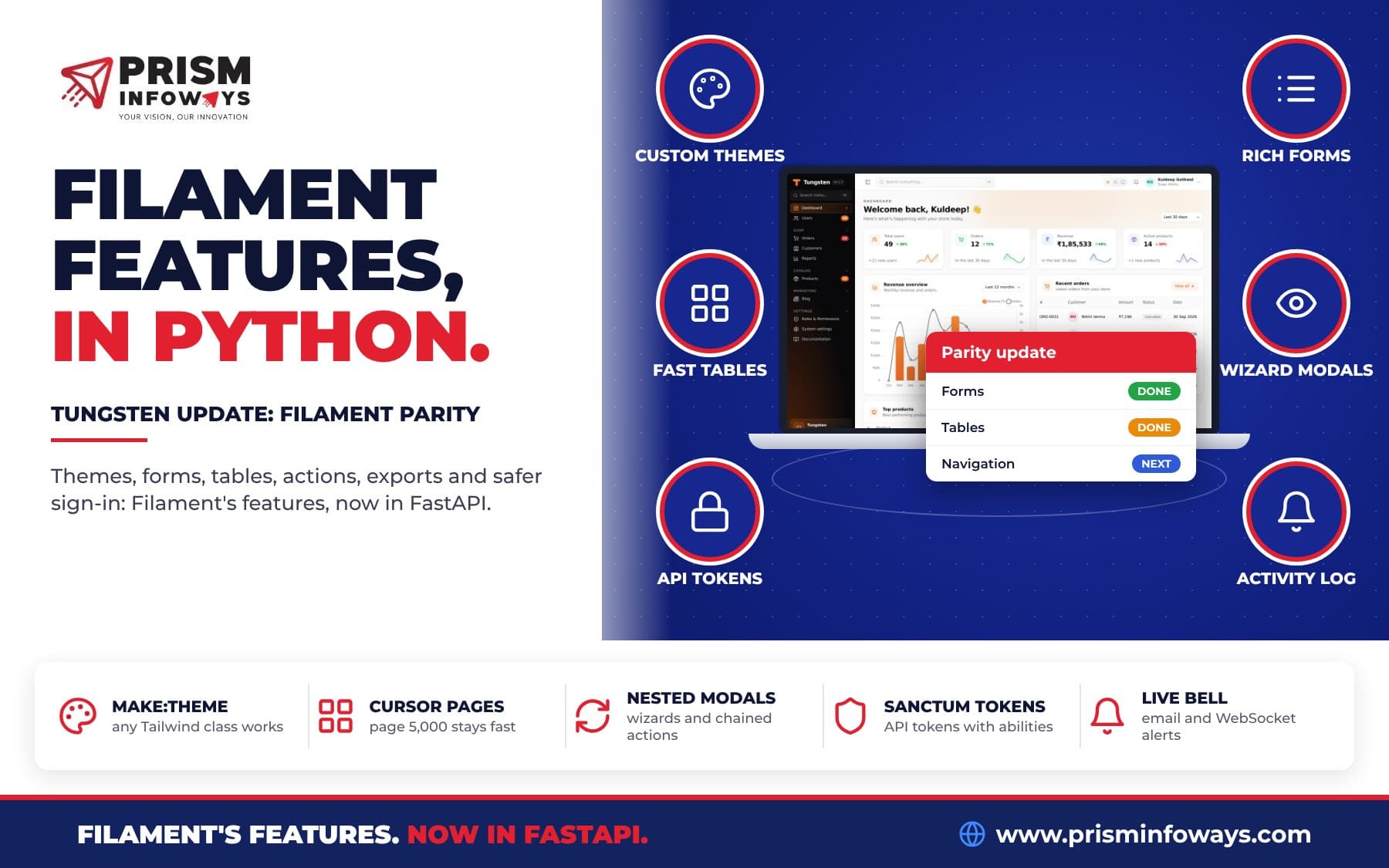
Good news: Tungsten core now has morph_many, morph_to_many and "has many through" paths, so you can add these relations by hand. See Relation managers, and read our Tungsten Filament parity update for everything else that just landed in core.
What about my Filament plugins?
The report names the Tungsten feature or plugin to use instead of each Filament plugin it finds. A few examples from the tool's code:
- Filament Shield: roles and permissions are built in (
panel.rbac()). - Breezy: the profile page and two-factor login are built in (
Auth(profile=True, two_factor=True)). - FullCalendar: use the Tungsten Calendar plugin.
- Spatie backup: use the Tungsten Database backups plugin.
- Spatie media library: use the Tungsten Media library plugin.
- Spatie tags: use the Tungsten Tags plugin.
See them all on the Tungsten plugins page.
Filament to Tungsten: by hand or with the tool?
| Task | Rewrite by hand | With tungsten-filament |
|---|---|---|
| Write Python models for every table | You type each column | Made from your migrations or the live database |
| Forms, tables, filters, actions | Rewrite each resource | Converted, Filament 3 and 4 |
| PHP enums with labels and colors | Copy by hand | Python enums with the same labels and colors |
| User passwords | Write your own bcrypt check | LaravelHasher, ready |
| Know what is left | Search the code yourself | TODO(filament) marks and MIGRATION_REPORT.md |
Tips and limits to know
- Run
scanfirst. It writes nothing, so it is safe on any project. - Keep tungsten-filament installed. The generated
app.pyimportsLaravelHasherand the.envhelpers from it at run time. - Re-run safely: it will not write into a non-empty folder without
--force. - Model events do not run: if an observer sends emails, rebuild that with Tungsten actions or hooks.
- Test on a copy first: try it on a staging copy of the database before your team uses it.
- Versions: tungsten-filament needs
tungsten-admin0.1.7 or newer. Use tungsten-admin 0.1.9 (pip install -U tungsten-admin) to get the new Filament-style features, like clusters, multi-tenancy and input masks.
Key facts
- Package:
tungsten-filament, version 0.1.0, commandtungsten-filament. - Needs Python 3.10 or newer and
tungsten-admin0.1.7 or newer. PHP is not needed. - Reads Filament 3 and Filament 4 projects.
- Same database (from the Laravel
.env) and same passwords (Laravel bcrypt, viaLaravelHasher). - License: MIT. Free and open source, made by Prism Infoways.
- On PyPI:
pip install tungsten-filament. Added in the Tungsten changelog on 14 October 2026.
Get started
Read the Filament migration guide, visit the tungsten-filament plugin page, and star the Tungsten repo on GitHub. Have a big Filament panel and no time to move it? Talk to us if you want it built around your business.
Frequently asked questions
Can I migrate a Laravel Filament admin panel to Python and FastAPI?
Yes. The free tungsten-filament tool reads your Laravel Filament project and writes a Tungsten admin for FastAPI. Models, resources, forms, tables, filters, actions, infolists and relation managers are converted for you.
Does tungsten-filament change my Laravel app or database?
No. tungsten-filament only reads your PHP files. The new Tungsten admin uses the same database and only adds its own small tables whose names start with tungsten_, so your Laravel tables are not created, changed or migrated.
Can users keep their Laravel passwords in Tungsten?
Yes. The admin made by tungsten-filament uses LaravelHasher, which checks Laravel bcrypt passwords as they are and saves new passwords as bcrypt too. The Laravel app keeps working with them.
Does tungsten-filament work with Filament 4?
Yes. tungsten-filament reads Filament 3 and Filament 4 projects, including Filament 4's separate Schemas and Tables classes.
Do I need PHP installed to convert a Filament panel?
No. tungsten-filament reads your PHP code as text and never runs it. It needs Python 3.10 or newer.
What does tungsten-filament not convert?
Long closures, custom actions, custom pages and widgets, policies, page hooks, morph relations and Laravel model events. Each one is marked TODO(filament) in the code and listed in MIGRATION_REPORT.md with the PHP file and line.
Is tungsten-filament on PyPI?
Yes. Run pip install tungsten-filament to get version 0.1.0 from PyPI. It is free and open source under the MIT license.
Need Expert IT Solutions?
Ready to transform your business? Team up with Prism Infoways and harness cutting-edge technology for your growth.
Contact Us