Knowing the types of virus in a server and website is the first step toward stopping them. Fast detection, a clean recovery and steady prevention protect your rankings, customers and reputation. If you suspect an infection or want a security review, the team at Prism Infoways can help through its cyber security services. You can explore our portfolio, browse all IT services or contact us for a free consultation.
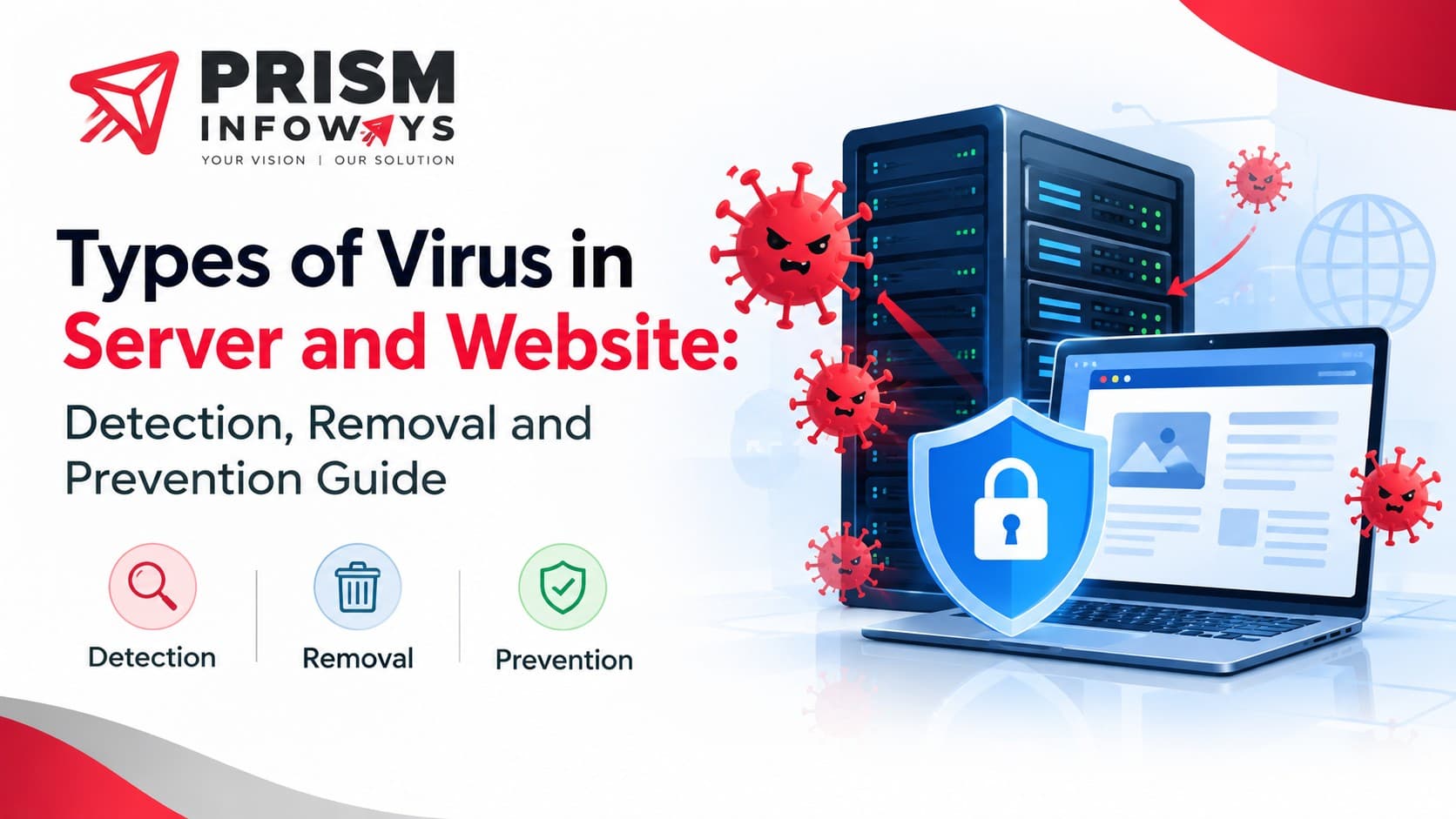
A sudden traffic drop, a Google "deceptive site" warning, or a hosting company suspending your account are usually the first signs that a virus in server files or website code has gone unnoticed. Most owners call the problem a "virus," but the real picture is wider. Attackers use many kinds of malicious code, and each one harms your business differently. This guide explains the main types of virus in a server and website, how to spot them, and how to clean up and protect your online presence with sensible website security habits.
Virus vs Malware: Quick Clarity
Strictly speaking, a computer virus attaches itself to a file and spreads when that file runs. Today, security teams use the broader word malware for any harmful software, including trojans, worms, ransomware and spyware. When people say "website virus," they almost always mean malware planted in website files, databases or server settings. We use both terms here, but keep the difference in mind when you speak with your hosting provider or a cyber security company.
Server Infection vs Website Infection
A website infection affects one site, its theme files, plugins or database. A server infection reaches the operating system, so every site, email account and application on that machine is at risk. Website malware often harms visitors and search rankings first, while server malware harms performance, data and uptime. Knowing which level is affected tells you whether a file cleanup is enough or the whole environment needs to be rebuilt.
Types of Virus and Malware That Attack a Server
A server stores your files, databases, emails and applications, so a server infection is far more serious than one hacked page. These are the most common threats.
1. Ransomware
Ransomware encrypts server files and demands payment for the key. Small businesses are frequent targets because backups are often missing or stored on the same machine. One infected server can freeze every website, mailbox and app hosted on it.
2. Rootkits
A rootkit hides deep inside the operating system and gives the attacker admin-level control while dodging normal scans. Because it conceals files and processes, you may clean the visible damage and still be reinfected a week later.
3. Backdoors and Web Shells
A backdoor is a hidden entry point that lets an attacker return without a password. A web shell is a small script, often written in PHP, uploaded so the intruder can browse folders, run commands and upload more malware from a browser. Web shells are among the items most often found in compromised hosting accounts.
4. Cryptojacking Miners
These programs quietly use your processor to mine cryptocurrency for someone else. The symptoms are easy to recognise: constant high CPU usage, a sluggish site and an unusually large cloud or electricity bill.
5. Botnet Trojans and Worms
A trojan pretends to be useful software, while a worm copies itself across connected systems without human action. Both can turn your server into part of a botnet used to send spam or launch DDoS attacks, which may get your IP address blacklisted.
6. Fileless Malware
Fileless attacks live in memory and abuse built-in tools such as PowerShell or shell scripts. Since no obvious file is saved, ordinary scanners may miss them, which makes log monitoring essential.
Types of Malware That Infect a Website
Website infections usually target code, database content and visitors. Sites running popular CMS platforms with outdated plugins are especially exposed, so a well-built, regularly updated web development setup matters as much as the code itself.
1. Malicious JavaScript Injection
Attackers insert hidden script into pages or theme files. It can steal form data, show fake pop-ups or load harmful content from another domain. Visitors rarely notice anything, which makes this type hard to catch.
2. Malicious Redirects
Visitors, often only those arriving from Google or on mobile devices, are sent to gambling, adult or scam pages. Owners miss it because the site looks normal when they type the address directly.
3. SEO Spam (Pharma and Japanese Keyword Hacks)
Hackers create thousands of spam pages or hide links on your domain to borrow its authority. Your search results fill up with unrelated product titles and rankings fall. Recovery often needs both cleanup and digital marketing support to rebuild trust and visibility.
4. Phishing Pages
A fake bank or login page is uploaded into a hidden folder on your site. Your domain then suffers because it is hosting a scam, and browsers may block it.
5. Payment Skimmers
On online stores, skimming code captures card details during checkout. It is one of the most damaging infections for e-commerce solutions because it brings chargebacks, fines and lost customer trust.
6. SQL Injection Payloads
Weak input handling lets attackers push malicious entries into the database. They later appear as spam posts, fake admin users or injected scripts.
7. Defacement and Drive-by Downloads
Defacement replaces your homepage with the attacker's message. Drive-by downloads try to install malware on a visitor's device just by loading the page.
Warning Signs of Infection
• Sudden traffic drop or a "This site may be hacked" label in search results
• Browser or antivirus warnings when the site opens
• Unknown admin users, files, plugins or scheduled tasks
• Slow loading, high CPU or unusual bandwidth usage
• Hosting suspension or spam complaints
• Unexpected redirects, pop-ups or changed file dates
How Servers and Websites Get Infected
Most attacks are not sophisticated. The usual causes are outdated CMS software, themes and plugins, pirated (nulled) themes, weak or reused passwords, unsafe file upload forms, exposed admin panels, unpatched server software and poorly isolated shared hosting. Phishing emails sent to your developer or staff can also hand over FTP or cPanel credentials. Keeping every login in your own company's name, as explained in our website handover checklist, reduces this risk.
How to Remove a Virus from a Server or Website
1. Put the site in maintenance mode to protect visitors.
2. Back up the current state for investigation and find a clean backup from before the infection.
3. Scan files and the database with a malware scanner and compare core files with fresh originals.
4. Delete unknown files, users, cron jobs and plugins, including web shells and backdoors.
5. Change every password: hosting, cPanel, SSH, FTP, database, CMS and email.
6. Update the CMS, plugins, themes and server software.
7. Request a review in Google Search Console if your site was flagged.
If the server itself is compromised, a clean rebuild is often safer than repair. In that case, professional IT consulting saves time and prevents repeat infections.
Best Practices to Prevent Server and Website Viruses
• Patch the CMS, plugins and server packages regularly.
• Use strong, unique passwords with two-factor authentication.
• Add a web application firewall (WAF) and a valid SSL certificate.
• Keep automatic off-site backups and test the restore process.
• Limit file permissions and disable file editing from the dashboard.
• Use SFTP instead of FTP and restrict SSH access by IP address.
• Monitor logs and set alerts for file changes.
• Remove unused plugins, themes and old test sites.
Secure hosting also helps. Well-configured cloud computing environments offer isolation, snapshots and monitoring that basic shared plans often lack.
Final Thoughts
Knowing the types of virus in a server and website is the first step toward stopping them. Fast detection, a clean recovery and steady prevention protect your rankings, customers and reputation. If you suspect an infection or want a security review, the team at Prism Infoways can help through its cyber security services. You can explore our portfolio, browse all IT services or contact us for a free consultation.
Frequently Asked Questions (FAQs)
Q. What is the most common virus on a website?
Malicious JavaScript injection and redirect malware are the most common, usually entering through outdated plugins, themes or weak admin passwords.
Q. Can a virus in one server affect all websites hosted on it?
Yes. On shared hosting or a VPS with several sites, an infection in one account can spread to others if permissions and isolation are weak.
Q. How do I check if my website has a virus?
Review the Security Issues report in Google Search Console, run a malware scanner, look for recently changed files and unknown admin users, and open your site from a search result on mobile to test for hidden redirects.
Q. Will a hacked website hurt my SEO?
Yes. Search engines may show warnings, remove pages from results or demote rankings. Spam pages created by hackers also dilute your content quality.
Q. How long does malware cleanup take?
A small site can be cleaned within hours to a couple of days. A heavily compromised server takes longer because every account and credential must be checked.
Q. Is an SSL certificate enough to protect my website?
No. SSL only encrypts data in transit. It does not remove malware or fix vulnerable code, so you still need updates, a firewall and monitoring.
Q. When should I hire a professional for malware removal?
Get expert help if you run an online store, if the infection keeps returning, or if the server shows signs of a rootkit or ransomware. You can reach our team here.
Need Expert IT Solutions?
Ready to transform your business? Team up with Prism Infoways and harness cutting-edge technology for your growth.
Contact Us