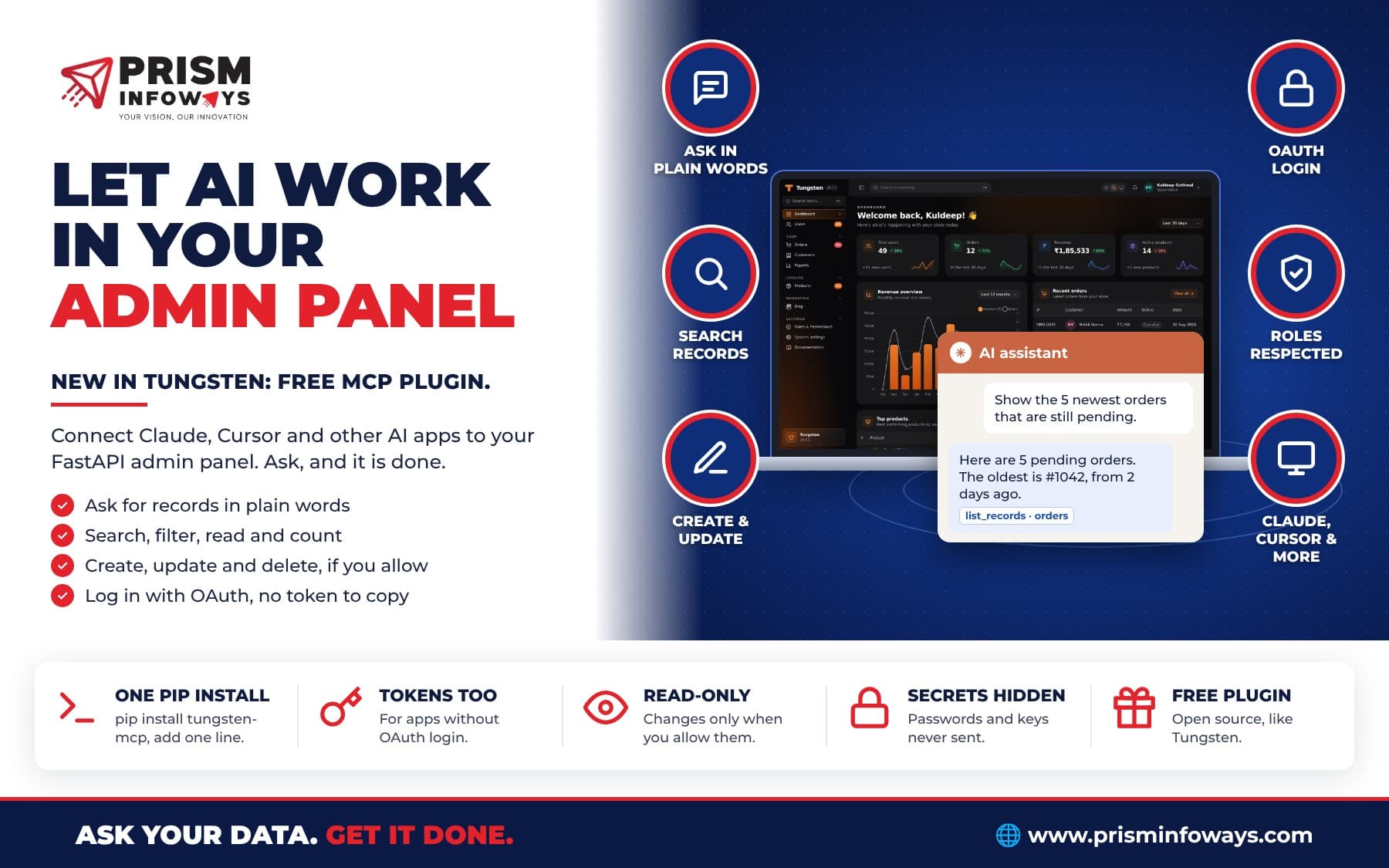
New free plugin for the Tungsten FastAPI admin panel: connect Claude, Cursor and other AI apps over MCP, and let them find and update your records safely.
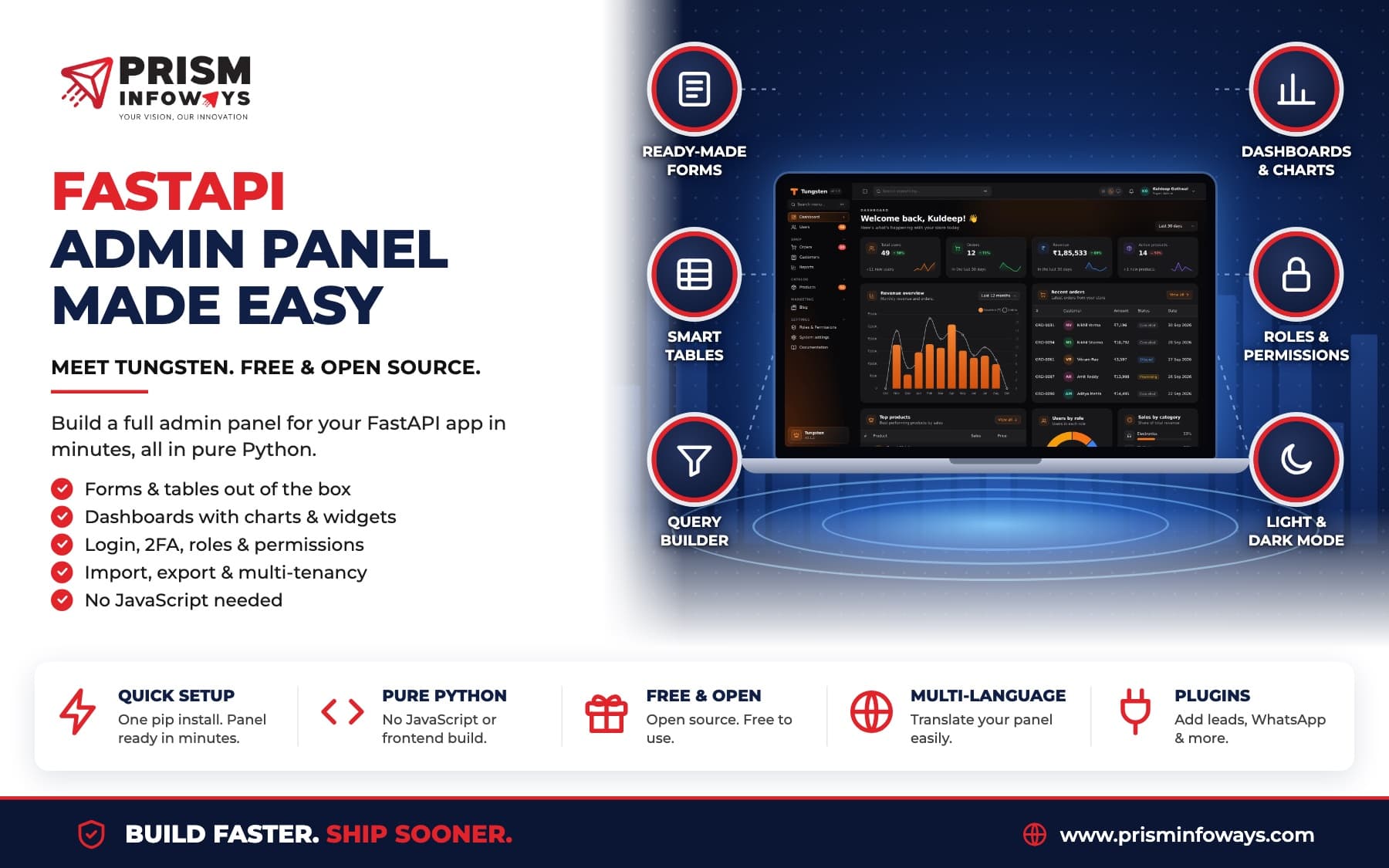
We built Tungsten, our free, open-source admin panel for FastAPI, so that you can manage your data without writing a lot of code. Now you do not even have to click around. With the new tungsten-mcp plugin, AI apps like Claude, Claude Desktop, Claude Code and Cursor can work with your panel's data for you.
Just ask things like "Show the 10 newest orders", "How many products are out of stock?" or "Mark order 1042 as shipped", and the AI does it.
What is MCP?
MCP (Model Context Protocol) is an open standard that lets AI apps use outside tools and data. An app that speaks MCP can connect to any MCP server. The tungsten-mcp plugin turns your Tungsten panel into an MCP server, at /admin/mcp.
What the AI can do
The plugin gives the AI a small set of tools that work for every resource in your panel:
- See what is there: list your resources and the fields of each one.
- Find records: list, search, filter, sort and page through records, or read one record.
- Change records: create, update and delete, but only if you switch on Allow changes.
Writes go through the same form as in the panel. So the same checks, defaults and hooks run, and every change shows in the activity log.
Connect in one minute with OAuth
No token to copy. In Claude, open Settings, Connectors, add a custom connector and paste your panel address, like https://admin.example.com/admin/mcp. Press Connect, log in to your panel and press Allow. That is all.
For Claude Code, run:
claude mcp add --transport http tungsten https://admin.example.com/admin/mcpThen type /mcp in Claude Code to log in.
Some apps cannot log in by themselves. For those, press New token on the AI access (MCP) screen in your panel and paste the token into the app. The screen also has a How to connect guide for Claude, Claude Code, Claude Desktop, Cursor, VS Code and others.
Safe by default
- Each token acts as the user who made it. Their roles, policies and tenant apply, the same as in the panel.
- Read-only unless you allow changes. You can also make the whole server read-only.
- Secrets stay hidden. Password hashes, tokens, secrets and API keys are never sent. You can hide more columns too.
- You stay in control. See every connected app and token on the AI access (MCP) screen, and revoke any of them with one click. Only a hash of each token is stored.
How to install
pip install tungsten-mcpfrom tungsten_mcp import McpPlugin
panel = Panel(..., app_url="https://admin.example.com")
panel.plugin(McpPlugin())
panel.create_tables(engine)It needs tungsten-admin 0.1.4 or newer. You can also pick which resources the AI sees, hide some columns, or set how many records it can fetch at once:
McpPlugin(
    read_only=False,
    exclude=["users"],
    hidden_fields=["customers.phone"],
    max_limit=100,
)
Why this matters
Your team already asks AI for help every day. Now it can answer with your real data: open orders, new leads, low stock, anything in your panel. And when you allow it, it can do the boring updates too, with the same rules your team follows.
Tungsten and all its plugins are free and open source. See the tungsten-mcp package and the Tungsten docs to get started, or talk to us if you want help bringing AI into your admin panel.
Frequently Asked Questions
Is the Tungsten MCP plugin free?
Which AI apps work with tungsten-mcp?
Can the AI change or delete my data?
Does the AI see passwords or API keys?
Do I need to copy a token to connect Claude?
Need Expert IT Solutions?
Ready to transform your business? Team up with Prism Infoways and harness cutting-edge technology for your growth.
Contact Us