The November 2026 Microsoft 365 disruption demonstrates why organisations should plan for cloud service interruptions even when using established enterprise platforms. Monitor verified updates, avoid unnecessary configuration changes and prepare secure alternatives for critical work. Prism Infoways can be a starting point for businesses reviewing their broader IT and digital infrastructure needs.
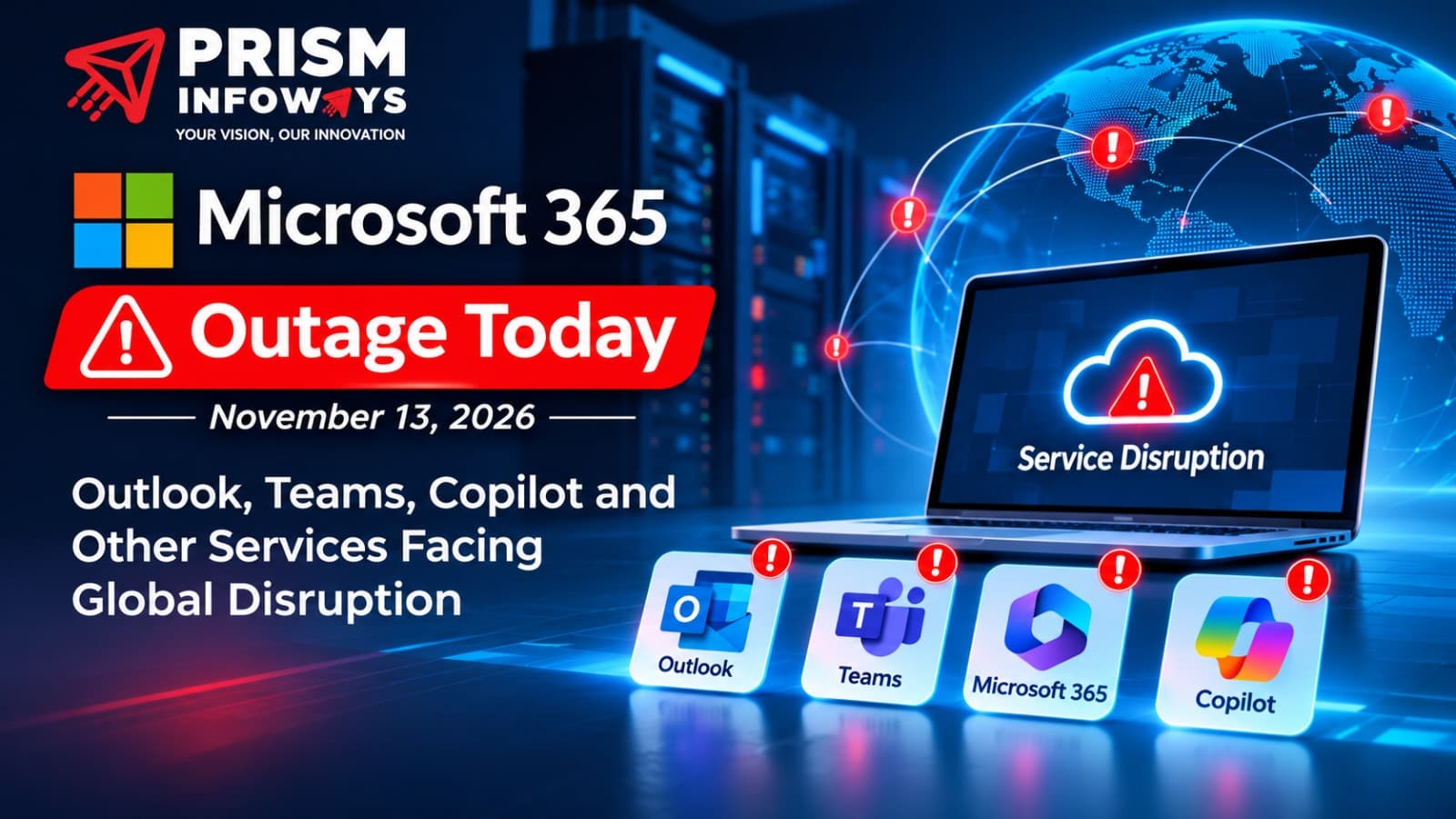
Microsoft 365 users experienced widespread service disruption on November 12–13, 2026, affecting access to Outlook, some Microsoft Teams features, Copilot and other connected tools. For businesses that depend on cloud productivity services, even temporary interruptions can delay customer communication, meetings and essential workflows.
Microsoft investigated the incident under reference MO1550821 and reported encouraging results after an infrastructure patch. Recovery can vary by service and region; readers should verify current availability through Microsoft’s official service-health channels.
What Happened During the Microsoft 365 Outage?
The disruption involved infrastructure supporting Exchange Online and services that depend on it. Users encountered difficulties accessing mailboxes, sending or receiving email, and using certain calendar and collaboration functions. Microsoft investigated affected servers that became unresponsive under elevated load, reducing capacity and contributing to connectivity failures.
Engineers tried server restarts, traffic redistribution and configuration changes. A patch involving upstream authentication and routing configuration reportedly improved stability on a portion of the affected infrastructure. A complete root-cause determination should be taken from Microsoft’s final post-incident report, not inferred from early troubleshooting updates.
Which Microsoft Services Were Affected?
| Service | Reported impact
| Outlook / Exchange Online | Mailbox connectivity and email-delivery problems
| Microsoft Teams | Calendar and meeting-scheduling issues; core messaging and meetings largely continued
| Microsoft Copilot | Problems loading chats and accessing work information
| SharePoint Online | Selected features dependent on Exchange services
| Microsoft Planner and To Do | Some task and plan operations disrupted
| Microsoft Graph | Some email, contact and calendar requests timed out
| Microsoft Defender / Purview | Selected security and compliance capabilities affected
| Power BI | Some sensitivity-labelled export functions affected
Not all functions were unavailable. The effect depended on each product’s technical dependencies, and some features continued working throughout the incident.
Why Was Microsoft 365 Down?
Microsoft’s preliminary investigation pointed to affected infrastructure and a process involved in establishing secure connections. Under heavy load, some servers stopped responding, and restarting them did not always provide lasting relief once traffic returned. Microsoft then redirected connections and tested configuration changes to restore stability.
Importantly, the available incident information did not establish a cyberattack as the cause. Microsoft indicated that it had not identified evidence of malicious activity. Businesses should avoid spreading unsupported claims about hacking, permanent data loss or a single defective update while the investigation continues.
How the Outage Affected Businesses
Communication delays
Customer enquiries, invoices, quotations and internal approvals may stall when email access is interrupted.
Productivity losses
Calendar disruptions, collaboration failures and unavailable task tools can delay decisions and projects.
Customer experience
Support teams may struggle to respond promptly, potentially affecting trust and satisfaction.
Connected application failures
Third-party applications that use Microsoft Graph or Exchange Online can fail even when their own infrastructure remains operational.
Operational risk
An outage exposes the consequences of relying on a single platform for multiple business-critical processes.
Is Microsoft 365 Working Again?
Microsoft reported positive results after applying a patch on November 13, but improved server stability does not guarantee that every affected product has fully recovered. Administrators should check the Microsoft 365 admin centre’s service-health dashboard, while other users can consult https://status.cloud.microsoft/. Test actual email delivery and important integrations before declaring internal operations normal.
What Should You Do if Outlook or Teams Is Not Working?
1. Verify service status
Check official Microsoft incident reports before changing local settings. This helps distinguish a global incident from a device-specific problem.
2. Avoid risky troubleshooting
Do not delete mail profiles, reset DNS records or change authentication settings without evidence that they are responsible.
3. Use secure alternative channels
For urgent work, switch to an approved phone or messaging system. Avoid transferring sensitive documents through unapproved personal accounts.
4. Check critical workflows
After recovery, review pending messages, calendar invitations, automated notifications and connected application jobs.
5. Communicate with customers
Where necessary, publish a short service notice and provide a reliable alternative contact method.
How Businesses Can Prepare for the Next Cloud Outage
No provider can promise uninterrupted availability for every third-party service. Resilience depends on business planning as much as technology. Identify essential applications, document their dependencies and decide which functions must continue during a prolonged outage.
Maintain secure, tested backups for important files and data. Establish alternative communications, assign incident-response responsibilities, and document escalation contacts. Monitoring should cover business processes—such as successful email delivery and application integrations—not merely whether a website loads.
Regularly rehearse a business continuity plan. During a drill, test how staff contact customers, approve urgent work, access critical records and recover missed automated jobs. Review the results and update procedures when technology or staffing changes.
How Prism Infoways Can Support Business Resilience
Prism Infoways helps businesses explore technology services and digital solutions. Organisations assessing cloud infrastructure, IT consulting, cybersecurity, application integrations and operational reliability can use this incident as an opportunity to review their own technology risks.
The practical goal is not to eliminate every possible outage. It is to reduce avoidable dependencies, protect business data, identify failures quickly and maintain essential operations when external services are unavailable. Explore services at https://prisminfoways.com/.
Frequently Asked Questions
Why is Outlook not working on November 13, 2026?
The reported Microsoft 365 incident affected Exchange Online infrastructure, causing mailbox connectivity and email-delivery issues for some users.
Was Microsoft Teams completely down?
No. Selected calendar, scheduling and related functions were affected, while core messaging and online meetings were largely functional.
Was the outage caused by hackers?
Microsoft had not identified evidence of malicious activity in the incident information discussed here.
Was Microsoft Copilot affected?
Yes. Some users experienced difficulties loading chats, generating responses and retrieving connected work information.
Where can I check Microsoft 365 status?
Visit https://status.cloud.microsoft/ or consult the service-health dashboard in the Microsoft 365 admin centre.
Will delayed emails arrive automatically?
Some email may be delayed, but delivery is not guaranteed for every failed message. Verify sent items and delivery results after recovery.
Does an outage mean cloud data was lost?
Not necessarily. Service unavailability and permanent data loss are different events; verify access and backups after service restoration.
How can companies reduce future disruption?
Maintain backups, alternative communication methods, monitoring, dependency maps and a tested business continuity plan.
Final Thoughts
The November 2026 Microsoft 365 disruption demonstrates why organisations should plan for cloud service interruptions even when using established enterprise platforms. Monitor verified updates, avoid unnecessary configuration changes and prepare secure alternatives for critical work. Prism Infoways can be a starting point for businesses reviewing their broader IT and digital infrastructure needs.
Editorial note: This article reflects incident information reported on November 13, 2026. Microsoft’s service status and technical findings may change. Confirm current details before publication.
SEO, AEO and GEO Publishing Details
Focus keyword: Microsoft outage today
SEO title: Microsoft Outage Today: Outlook, Teams & 365 Issues
Meta description: Microsoft outage today, November 13, 2026, affects Outlook, Teams and Copilot. Explore causes, recovery updates and business solutions.
URL slug: microsoft-365-outage-november-13-2026
Secondary keywords: Microsoft 365 outage November 13 2026; Microsoft Outlook down; Microsoft Teams outage; Microsoft Copilot outage
Search intent: Informational / technology news
Suggested image ALT: Microsoft 365 outage affecting Outlook Teams and Copilot on November 13 2026
Official source: https://status.cloud.microsoft/
Website: https://prisminfoways.com/
Frequently Asked Questions
Why is Microsoft Outlook not working today, November 13, 2026?
Is Microsoft Teams down globally?
What caused the Microsoft 365 outage?
Was the Microsoft outage caused by a cyberattack?
Is Microsoft Copilot affected by the outage?
How can I check Microsoft 365 service status?
Will delayed emails be delivered after the Microsoft outage?
How can businesses prepare for future Microsoft 365 outages?
Does a Microsoft cloud outage mean business data is lost?
Need Expert IT Solutions?
Ready to transform your business? Team up with Prism Infoways and harness cutting-edge technology for your growth.
Contact Us