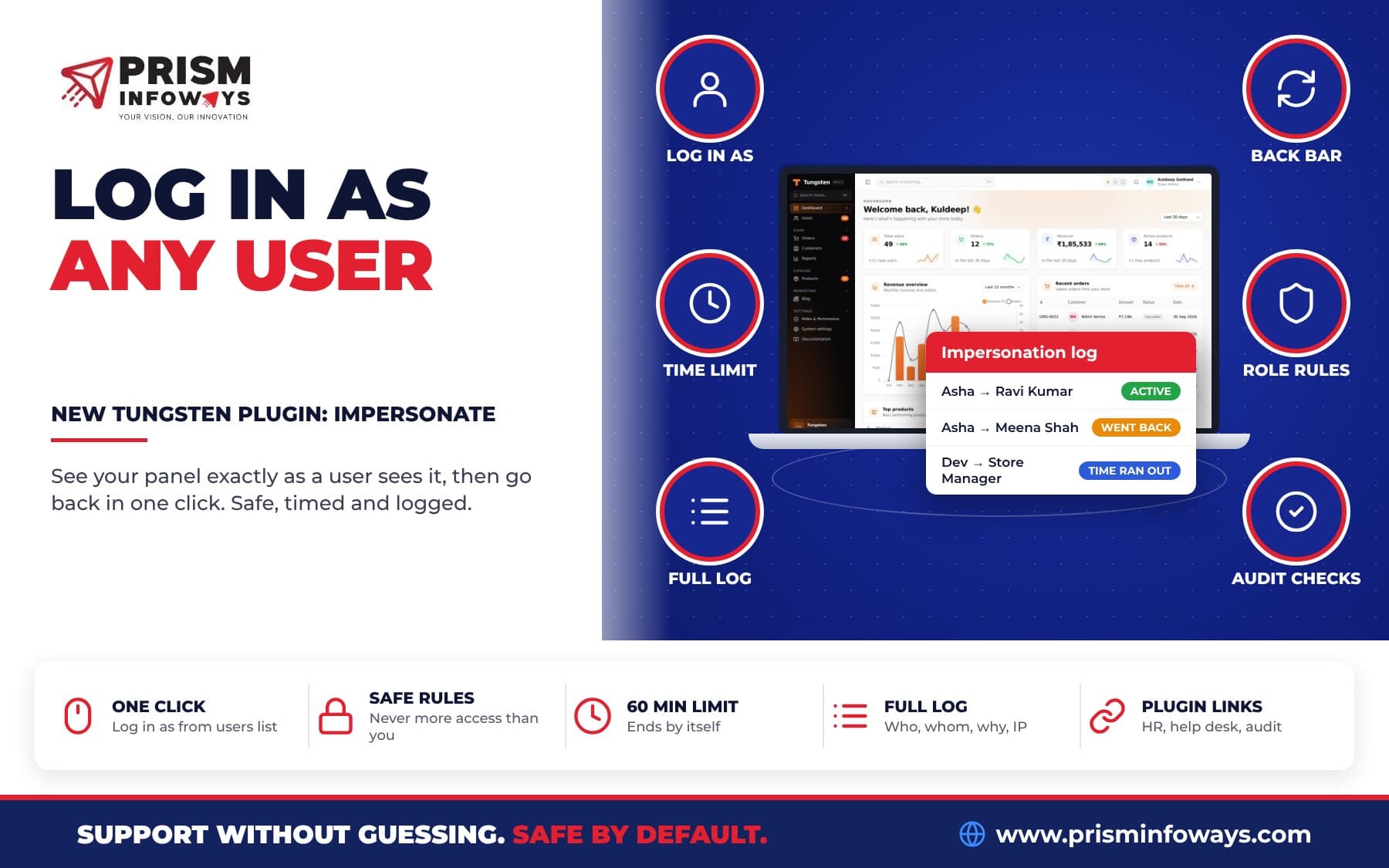
tungsten-impersonate lets support admins log in as any user of a Tungsten FastAPI admin panel to see exactly what they see. It is safe by default, ends after 60 minutes and logs every use.
In short: tungsten-impersonate is a free "log in as user" plugin for Tungsten, the open-source admin panel for FastAPI. A support admin presses Log in as, sees the panel exactly as that user sees it, and goes back with one click. It is safe by default: only allowed admins can use it, it never gives more access, it ends by itself after 60 minutes, and every use is written to a log.
You know this support problem. A customer writes: "the invoice button is missing". You open the panel as yourself and the button is right there. Now you have to guess. With the Impersonate plugin for Tungsten, you stop guessing. You log in as that user and look.
What is "log in as user" in a FastAPI admin panel?
Impersonation means an admin uses the panel as another user for a short time, without knowing their password. The admin sees the same menu, records, permissions and tenant (team or company) as that user.
Building this yourself is risky. You must make sure nobody can use it to get more power, that it always ends, and that there is a record of who did what. tungsten-impersonate does all of this inside your own app and your own database.
What do you get?
- A Log in as button on every row of your users list and on each user's page.
- A Log in as a user picker on the Security → Impersonation log screen, to find any user by name or email.
- An orange bar on every page while you are someone else, with the user's name, the minutes left and Back to my account.
- The Impersonation log: who logged in as whom, when, why, for how long, from which IP and browser, and how it ended.
- Links with other plugins when installed: HR employees, help desk customers and three security audit checks.
Who is this for?
- SaaS product: a customer says a report is empty. You log in as them and see that their team has no data for that month. Found in one minute.
- Online shop: a store manager cannot see the "Refund" button. You log in as them and find their role does not have that permission.
- School or clinic: a teacher cannot see one class, or a receptionist says the appointment list looks wrong. The office admin checks it from their view before changing any settings.
- Agency: when a client's staff member reports a bug, you see their exact screen instead of asking for screenshots.
How do I install the Impersonate plugin?
You need a Tungsten panel with login turned on (auth=Auth(User)) and tungsten-admin 0.1.7 or newer.
- Install the package from tungsten-impersonate on PyPI:
pip install tungsten-impersonate - Add the plugin to your panel and create its log table:
from tungsten_impersonate import ImpersonatePlugin panel = Panel(..., auth=Auth(User)) panel.plugin(ImpersonatePlugin()) panel.create_tables(engine) # creates the impersonation log table - If you use roles and permissions, give the Log in as other users permission (
impersonate.start) only to your support admins. Without roles, every panel user may use it. - Open Security → Impersonation log and press Log in as a user to try it.
An honest note on versions: the buttons on your users list and on other plugins' screens need panel.record_action(), which comes with tungsten-admin 0.1.8. So run pip install -U tungsten-admin. On 0.1.7, add the button to your users table yourself (shown below). The picker on the log screen works on every version.
How does "log in as" work?
- The admin presses Log in as. With
require_reason=True, the panel first asks "Why?". - The plugin checks the safety rules. If one fails, the button is hidden or the action is refused with a clear message, such as "You can't log in as a super admin."
- The admin now sees the panel as that user. Anything they save is saved as that user, so the log keeps who really did it.
- It ends when the admin presses Back to my account (back to the page they started from), when the time limit is reached (the next click takes them back with a note), or when they log out (signed out completely).
It works with async databases and multi-tenancy. The admin's own team is restored when they go back.
Who can log in as other users?
| Your panel | Who can use "Log in as" |
|---|---|
| Without roles | Every panel user (they can already do everything). The security audit warns about this. |
| With roles | Super admins, and roles with the Log in as other users permission. |
can_impersonate= | Your own rule: ImpersonatePlugin(can_impersonate=lambda user: user.is_support). |
Who can never be impersonated?
The button is hidden, and the action refused, when the user:
- is yourself, is not active, or cannot open the panel;
- is a super admin;
- has a permission you don't have, so "log in as" never gives more access (turn this off with
no_more_access=False); - must use two-step login but has not set it up, or has not verified their email;
- fails your own rule, for example
can_be_impersonated=lambda user, target: not target.is_owner.
You also cannot start a second "log in as" from inside someone else's account.
Tungsten Impersonate vs building it yourself
| Doing it by hand | tungsten-impersonate | |
|---|---|---|
| Log in as any user | Ask for their password, or write your own session code | One button |
| Blocks super admins and higher access | Only if you code it | Yes, by default |
| Ends by itself | Usually not | Yes, after 60 minutes (your choice) |
| "You are someone else" bar | Extra work | Orange bar on every page |
| Log with who, whom, why, IP, browser | Extra work | Built in, read-only |
Asking users for their password is the worst choice. It teaches people to share passwords, and later you can never tell who did what.
What options can I change?
Every option has a safe default. The most useful ones:
max_minutes=60: the time limit.0means no limit.require_reason=False: setTrueto ask "Why?" first.no_more_access=True: never become a user with permissions you don't have.redirect_to=None: the page to open as the user, like"/admin/orders".on_startandon_end: your own functions when a session starts or ends.trust_proxy=False: read the IP from X-Forwarded-For, only behind your own proxy.
Add your own "Log in as" button
Put the action on any table or page. plugin.action() takes an optional function that finds the panel user behind a record:
imp = ImpersonatePlugin()
panel.plugin(imp)

class UserResource(Resource):
    model = User

    @classmethod
    def table(cls, table):
        return table.columns([...]).actions([imp.action(), EditAction()])
Or link a whole resource in one line (needs panel.record_action):
imp.link(Customer, lambda db, customer: customer.user)Does it work with other Tungsten plugins?
Yes. Each link turns on only when the other plugin is installed. The Impersonate plugin works fine alone.
- HR: employees with a panel login get a Log in as button, to check their check-in and leave pages.
- Help desk: a ticket gets Log in as customer when a panel user has the requester's email. See our post on the help desk and security audit plugins.
- Security audit: three checks: who can log in as others, the time limit, and the log.
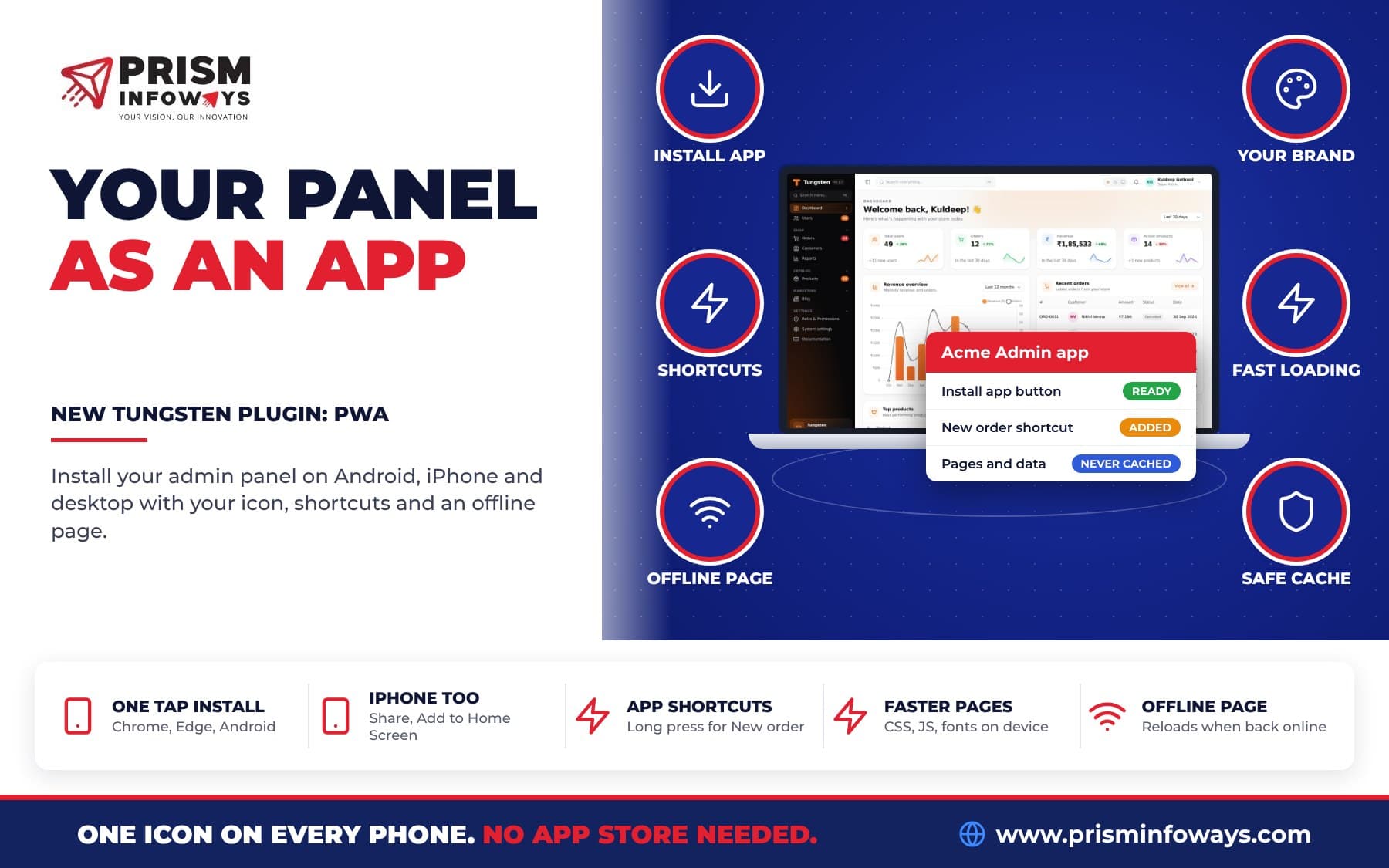
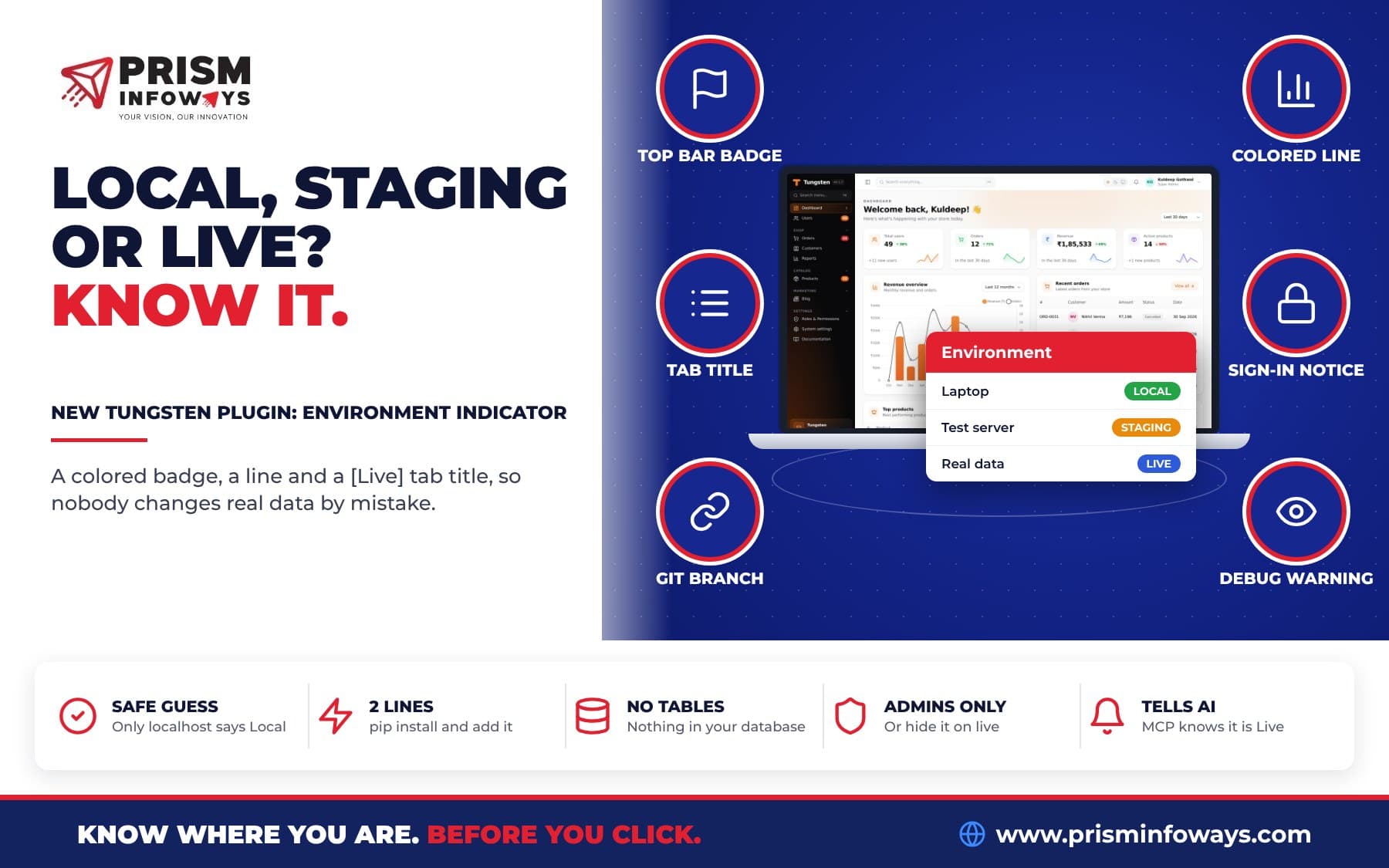
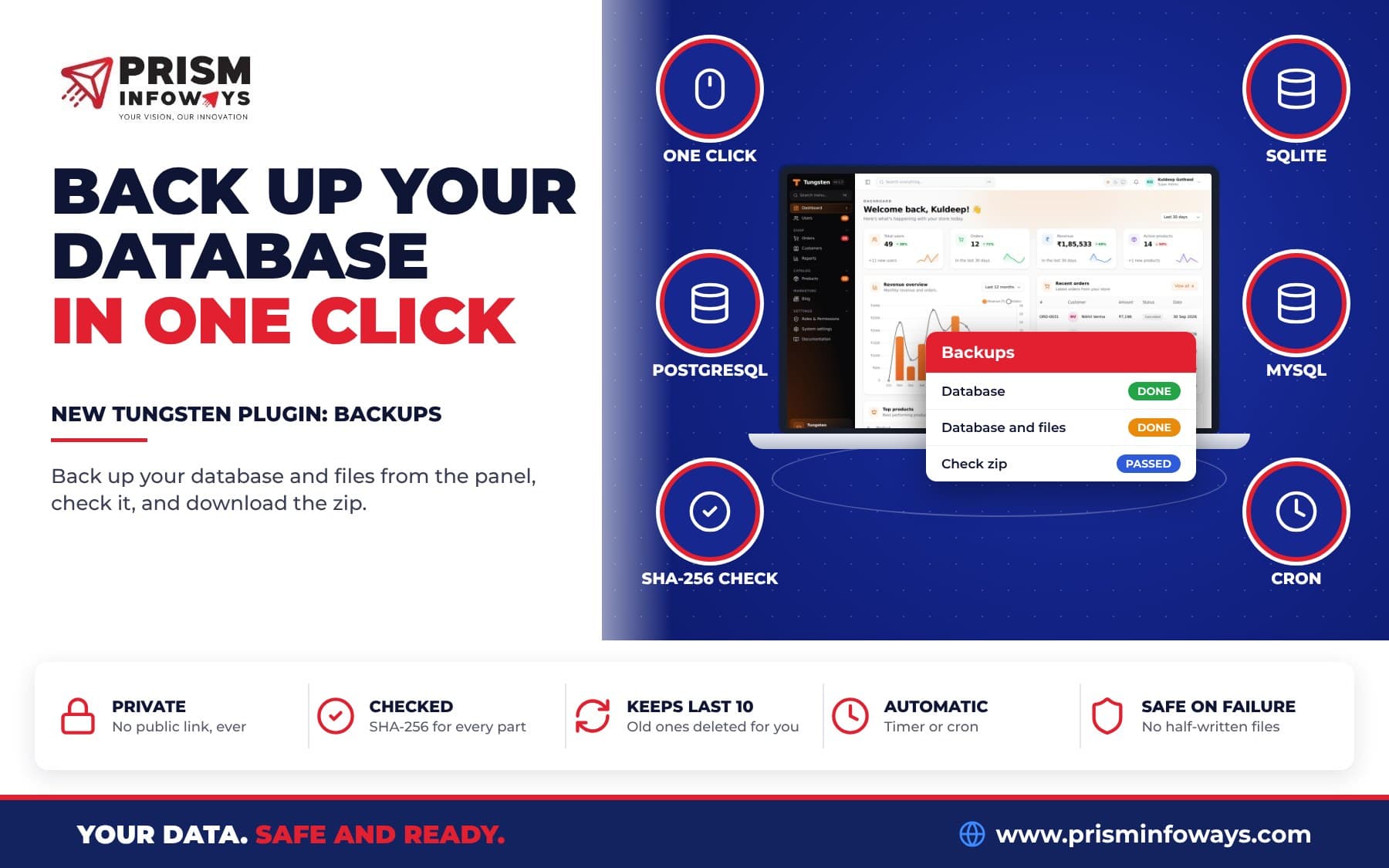
It also fits next to other new plugins. The environment indicator plugin shows clearly if you are on staging or live. The database backups plugin keeps copies of your data. And the PWA plugin lets your support team install the panel like an app on their phone or laptop.
Tips and limits to know
- Turn on roles. Without roles, every panel user can log in as others.
- Keep the time limit. The security audit warns when there is no limit or it is over 240 minutes.
- Look first, change later. Anything you save is saved as that user.
- The user is not told. No message is sent to them. You can send your own note with
on_start. - The admin can do what the user can do, including on that user's own profile page. Protect some users with
can_be_impersonated. - Login is required. Without
Auth, there is nobody to log in as. - The log is read-only. Nobody can edit or delete its history from the panel.
Key facts
- Package:
tungsten-impersonate(classImpersonatePlugin) - Version: 0.1.0
- Needs:
tungsten-admin0.1.7 or newer, Python 3.10 or newer - License: MIT, free and open source
- Default time limit: 60 minutes
- Permission:
impersonate.start("Log in as other users") - Source: Tungsten on GitHub
Get started
Read the Impersonate plugin page and the full Impersonate docs. See new releases in the Tungsten changelog and browse all Tungsten plugins. New to Tungsten? Start with our introduction to the Tungsten admin panel for FastAPI.
Want a support-ready admin panel with the right roles and safety rules? Talk to us if you want it built around your business.
More new Tungsten plugins
This plugin is part of a new batch of free Tungsten plugins. Each one installs with pip and works with the others:
- Quick Create: add any record from any page.
- Kanban boards: drag and drop records between columns.
- Custom dashboards: build your own dashboard with widgets.
- Calendar: meetings, leave and due dates in one view.
- Tags: colored tags and tag filters on any record.
- Saved views: one-click saved filters for every table.
- Media library: upload a file once and reuse it anywhere.
- Database backups: back up your database in one click.
- Environment indicator: know if you are on Local, Staging or Live.
- Install as an app (PWA): put your admin panel on the phone home screen.
Frequently asked questions
How do I add "log in as user" to a FastAPI admin panel?
Install tungsten-impersonate with pip, add panel.plugin(ImpersonatePlugin()) to your Tungsten panel and call panel.create_tables(engine). Admins then get a Log in as button and an Impersonation log screen.
Is it safe to let admins impersonate users?
With tungsten-impersonate, yes by default. Only allowed admins can use it, nobody can become a super admin or a user with more access, the session ends after 60 minutes, and every use is logged.
Who can log in as other users in Tungsten?
With roles, super admins and roles with the "Log in as other users" permission. Without roles, every panel user. You can also pass your own rule with can_impersonate.
Can an admin get more access by logging in as someone?
No. By default tungsten-impersonate refuses to log in as a super admin or as anyone with a permission the admin does not have.
Is every impersonation recorded?
Yes. The Tungsten Impersonation log keeps who logged in as whom, when, why, for how long, from which IP and browser, and how it ended.
Is tungsten-impersonate free?
Yes. tungsten-impersonate is free and open source under the MIT license, like Tungsten itself. It needs tungsten-admin 0.1.7 or newer.
Need Expert IT Solutions?
Ready to transform your business? Team up with Prism Infoways and harness cutting-edge technology for your growth.
Contact Us