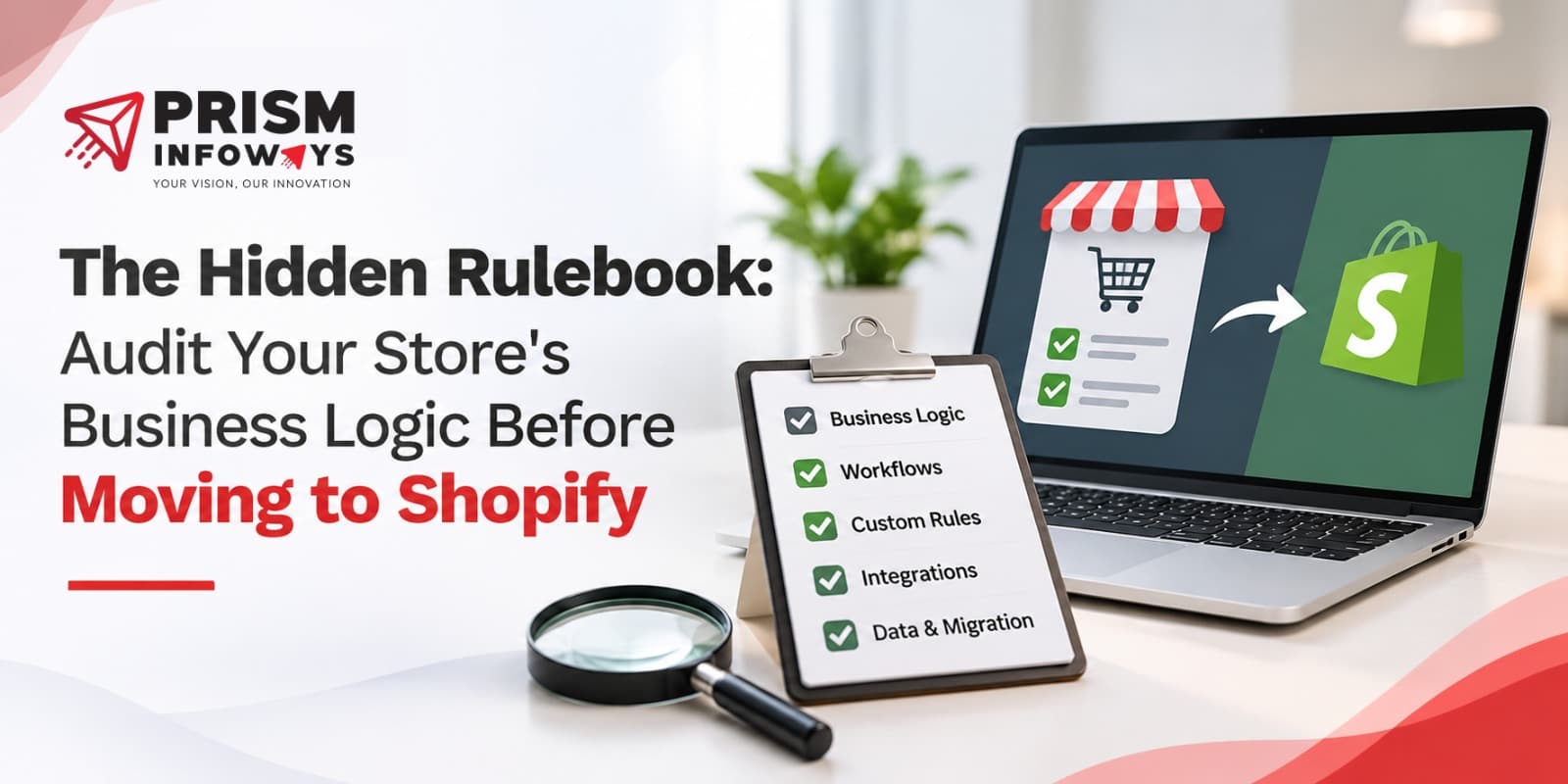
Before moving to Shopify, map the discount, shipping, B2B and ERP rules your old store runs. Use this five-step audit and checklist.
Products, customers and orders are the visible part of a migration. The harder part is the rulebook: who gets which price, which payment method and which delivery option. Some of those rules live in code, apps, ERP settings or one employee's memory.
What is a Shopify migration business logic audit?
A Shopify migration business logic audit is a documented inventory of every rule your current store applies. It records what triggers each rule, who owns it, where it runs and how to test it. Each rule then gets a destination: Shopify settings, an app, Shopify Functions, an integrated system or retirement.
Why should the audit come before development?
Without a rule list, developers can rebuild what pages show but miss what the system decides. A wholesale buyer might see the right product at the wrong price. An order might reach your ERP without the purchase-order number your finance team needs.
Existing Shopify merchants face a related issue. Shopify Scripts was deprecated on June 30, 2026, and Scripts still published then stopped working. If your store relied on them, check the Scripts customizations report in Shopify admin. Confirm that every rule you still need has a tested replacement.
How do you find hidden business rules? Five steps
- Export real orders. Sample ordinary orders and unusual ones: bulk, discounted, tax-exempt, cross-border, split and refunded. Include a past sale period.
- Inspect the system. List custom code, extensions, apps, scheduled jobs, webhooks and ERP or PIM field mappings.
- Interview the people who fix orders. Ask sales, support, finance and warehouse teams, “What do you correct by hand?”
- Write each rule as one testable sentence. Use “When this happens, the system must do that.” Name any exceptions.
- Assign an owner. One business owner should decide whether to keep, change or retire each rule.
What should the rule ledger contain?
Use one row per rule. The entries below are illustrative examples, not client data.
| Rule (example) | Source and owner | Priority | Likely destination | Pass test |
|---|---|---|---|---|
| Approved wholesale buyers get contract pricing | ERP; Sales | Critical | Shopify B2B features or integration; verify fit | Buyer sees agreed price; retail visitor does not |
| Hide cash on delivery above a set cart value | Custom code; Finance | High | App or payment customization Function | Test below, at and above the limit |
| Send PO number with each B2B order | Middleware; Finance | Critical | ERP integration | Same PO appears in both systems |
| Apply an expired campaign discount | Old extension; Marketing | Low | Retire | Discount cannot be applied |
Mark a rule Critical if failure can block orders or charge the wrong amount. Add legal or tax obligations to that group, and have a qualified adviser confirm them.
Where should each rule live on Shopify?
Start with the simplest option that passes the test:
- Native settings: Use them when Shopify already supports the rule on your plan.
- Apps: Check feature fit, data access, support and recurring cost.
- Shopify Functions: Consider them for custom backend logic, such as discounts, delivery options or checkout validation.
- ERP, PIM or middleware: Keep a clear source of truth for stock, product data and account records.
- Retire: Remove rules that no longer serve a business purpose.
Plan access matters. According to Shopify's developer documentation, stores on any plan can use public App Store apps containing Functions. Custom apps that use Function APIs require Shopify Plus. Some capabilities have additional limits, so check the specific API before estimating.
Our Shopify development solutions include migration, Shopify Functions, B2B and ERP or PIM integration work. Merchants comparing wider platform needs can explore our ecommerce services. For architecture and system-ownership questions, see IT consulting.
How do you protect SEO during the move?
Business rules protect orders; URL mapping helps protect search traffic. Shopify uses set paths such as /products/ and /collections/. Shopify's SEO migration guide advises mapping old URLs to new ones and preparing redirects before launch.
After launch, check that old URLs return a 301 to the right page. Review canonicals, noindex tags, robots.txt, internal links, analytics and structured data. Submit the new XML sitemap in Search Console and monitor 404 errors. Our digital marketing services page is a starting point for search support.
How do you test the rules before launch?
Run the same test orders through the old and new systems. Compare price, discount, tax, shipping, payment options and ERP records. Test combinations too, such as a wholesale buyer using a discount code on a split shipment.
Set your launch gate in advance. For example, require every Critical rule to pass, with a named approver. Give each High-priority exception an owner, workaround and deadline. Prepare a rollback or order-recovery plan before cutover.
Should you migrate during the holiday season?
If you can choose, avoid changing platforms during peak sales. Shopify's migration guide recommends moving at least six months before your busy season, or after it ends. Meanwhile, peak-season orders can reveal exceptions to add to your ledger.
Frequently asked questions
Can Shopify copy all Magento business logic automatically?
Do not assume it can. Moving product or customer data does not prove that custom behaviour works. Inventory each rule, choose its destination and test the result.
Do I need Shopify Plus to use Shopify Functions?
Not always. Any plan can use eligible public apps that contain Functions. Custom apps using Function APIs require Plus, and individual APIs may have further restrictions.
Is headless Shopify necessary for custom business rules?
Not by itself. Headless changes how your storefront is built. Backend rules may instead fit settings, apps, Functions or integrations.
How long does a business logic audit take?
There is no reliable universal timeline. Effort depends on the number of rules, systems, markets and undocumented exceptions. Ask for an estimate after an initial inventory.
Turn assumptions into tests
Start with 20 unusual orders, then trace every manual correction behind them. Treat that as a starting sample, not complete coverage. When your first ledger is ready, contact Prism Infoways to discuss your Shopify migration scope.
Need Expert IT Solutions?
Ready to transform your business? Team up with Prism Infoways and harness cutting-edge technology for your growth.
Contact Us