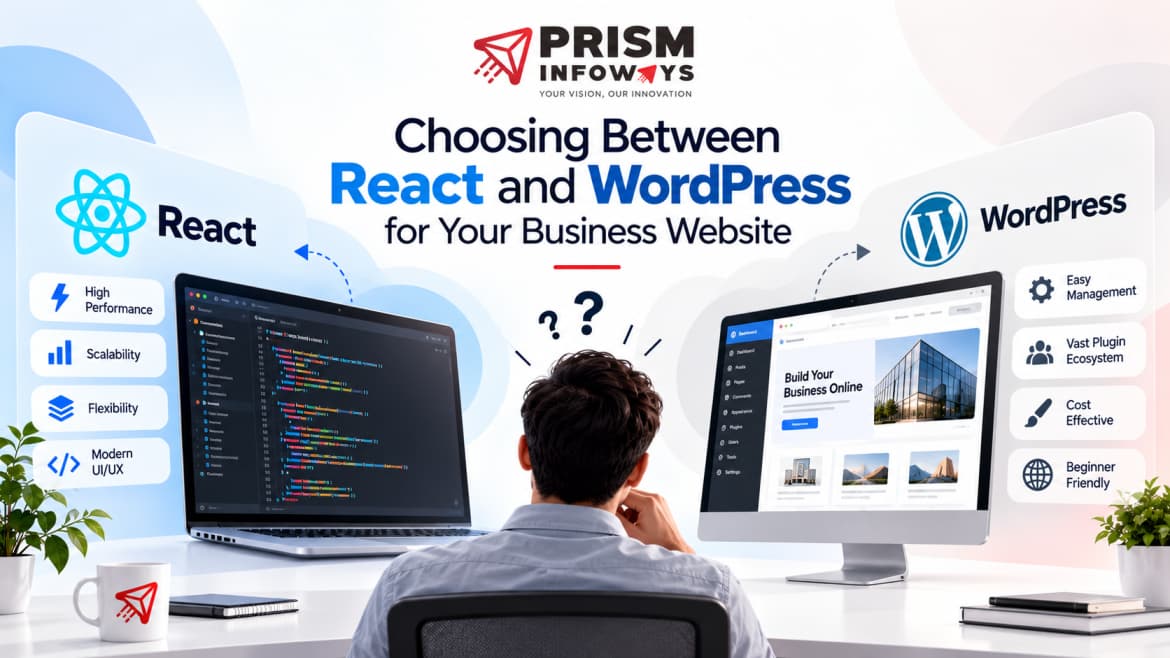
If you're planning a new company website, the React vs WordPress question is usually one of the first big decisions you'll face. Both platforms power millions of successful sites, yet they solve very different problems. WordPress is a content management system built for speed, simplicity, and easy content updates. React is a JavaScript library built for custom, highly interactive web applications. Picking the wrong one can slow down your launch, stretch your budget, or leave you with a site that struggles to grow alongside your business. This guide breaks down the real, practical differences so you can choose with confidence.
If you're planning a new company website, the React vs WordPress question is usually one of the first big decisions you'll face. Both platforms power millions of successful sites, yet they solve very different problems. WordPress is a content management system built for speed, simplicity, and easy content updates. React is a JavaScript library built for custom, highly interactive web applications. Picking the wrong one can slow down your launch, stretch your budget, or leave you with a site that struggles to grow alongside your business. This guide breaks down the real, practical differences so you can choose with confidence.
What Is WordPress?
WordPress is an open-source content management system that currently powers a large share of websites worldwide. It works on a simple idea: you choose a theme for design, add plugins for extra features, and manage everything through a visual dashboard — no coding required for most day-to-day tasks.
WordPress is a strong fit when your website needs:
• Frequent blog posts or content updates
• A quick, budget-friendly launch
• Built-in SEO tools without hiring a developer for every change
• An online store through plugins like WooCommerce
What Is React?
React is a JavaScript library, originally built by Meta, used to create fast and interactive user interfaces. Unlike WordPress, React doesn't come with themes or plugins — every feature is coded, giving developers complete control over how the website looks and behaves.
React makes sense when your project needs:
• A highly custom user interface that no template can replicate
• Complex, app-like functionality — dashboards, booking systems, live data
• Room to scale into a full web application or SaaS product
• Fast, smooth interactions without full page reloads
React vs WordPress: Key Differences
Here's how the two platforms compare across the factors that matter most for a business website.
1. Ease of Use
WordPress is built for non-developers. You can add pages, publish blog posts, and update images through a simple dashboard. React, on the other hand, requires a developer for almost every change, since there is no visual editor by default.
2. Customization and Flexibility
WordPress themes and plugins get you moving quickly, but heavy customization can mean stacking plugins, which sometimes causes conflicts or bloat. With React, a skilled web development company can build exactly what you need from the ground up, with no plugin limitations.
3. Performance and Page Speed
A lean, well-coded React application often loads faster and feels smoother than a plugin-heavy WordPress site, because there's no extra plugin overhead to carry. WordPress can still perform very well, but it usually needs deliberate optimisation — caching, image compression, and a lightweight theme.
4. SEO Capability
WordPress has a natural advantage here thanks to mature plugins like Yoast SEO and RankMath, which guide on-page optimisation step by step. React renders content in the browser by default, which can make it harder for search engines to index — unless it's paired with a framework like Next.js for server-side rendering.
5. Cost and Ongoing Maintenance
WordPress usually has a lower upfront cost, but ongoing expenses can add up through premium themes, plugin licenses, and regular security updates. React projects tend to cost more to build initially, since everything is custom-coded, but they often need less day-to-day maintenance once launched.
When Should You Choose WordPress?
WordPress is usually the smarter choice if:
• You're a small or local business that needs to launch quickly
• Your team will update content, blogs, or offers regularly without a developer
• Your budget is limited and you need strong value for money
• You want built-in SEO tools out of the box
When Should You Choose React?
React is the stronger option if:
• You're building a web app, portal, or dashboard, not just a brochure site
• Your design needs are highly custom and can't fit a template
• You expect the platform to grow into a larger product over time
• Performance and interactivity are business-critical
Step-by-Step Guide: How to Decide Between React and WordPress
1. Define your website's purpose. Is it a brochure site, a blog, an online store, or a custom application?
2. List the features you actually need — booking systems, dashboards, membership areas, or simple content pages.
3. Check your budget and timeline. WordPress usually launches faster and cheaper; React needs more upfront investment.
4. Think about future growth. If you'll add complex features later, factor that into today's decision.
5. Talk to a professional web development company before committing, so the platform is matched to your goals rather than picked by guesswork.
Quick Comparison: React vs WordPress
• Best for beginners and fast launches: WordPress
• Best for custom web applications: React
• Best for content-heavy or blog-first sites: WordPress
• Best SEO tools out of the box: WordPress
• Best for long-term scalability and performance: React
Conclusion
There's no single winner in the React vs WordPress debate — only the right fit for your goals. If you need a content-friendly business website you can manage yourself, WordPress is hard to beat. If you're building something more custom, interactive, or app-like, React gives you the flexibility to grow without limits.
The safest way to decide is to talk it through with an experienced web development company that has built on both platforms and can match the technology to your business, not the other way around.
Frequently Asked Questions (FAQs)
Is React better than WordPress for small businesses?
Not always. For most small businesses that mainly need an informational site, blog, or simple online store, WordPress is usually the better choice — it launches faster and is easier to manage without ongoing developer support. React becomes the better option once a small business needs custom, app-like functionality.
Can I use React and WordPress together?
Yes. This setup is called headless WordPress, where WordPress manages the content in the backend while React handles the frontend design and user experience. It's a popular choice for businesses that want WordPress's easy content editing along with React's speed and flexibility.
Which platform is better for SEO, React or WordPress?
WordPress is generally easier for SEO right out of the box, thanks to plugins that guide keyword usage, meta tags, and site structure. React can match or even exceed this with the right setup — typically using a framework like Next.js — but it requires more technical planning.
Is WordPress a good choice for an ecommerce website?
Yes. With the WooCommerce plugin, WordPress can run a fully functional online store, complete with product pages, payment gateways, and inventory management. For simpler to mid-sized stores, it's usually faster and more affordable than a custom React build.
How much does it cost to build a website in React vs WordPress?
WordPress websites are typically cheaper to build initially, since much of the work relies on existing themes and plugins. React websites usually cost more upfront because every feature is custom-coded, but that investment often pays off through better performance and fewer scaling limitations later on.
Ready to Build the Right Website for Your Business?
Whether you need a content-friendly WordPress site or a fully custom React application, the Prism Infoways team can help you choose the right technology and build a website that actually supports your business goals. Get a free consultation today and let's find the right fit for your project.
Need Expert IT Solutions?
Ready to transform your business? Team up with Prism Infoways and harness cutting-edge technology for your growth.
Contact Us